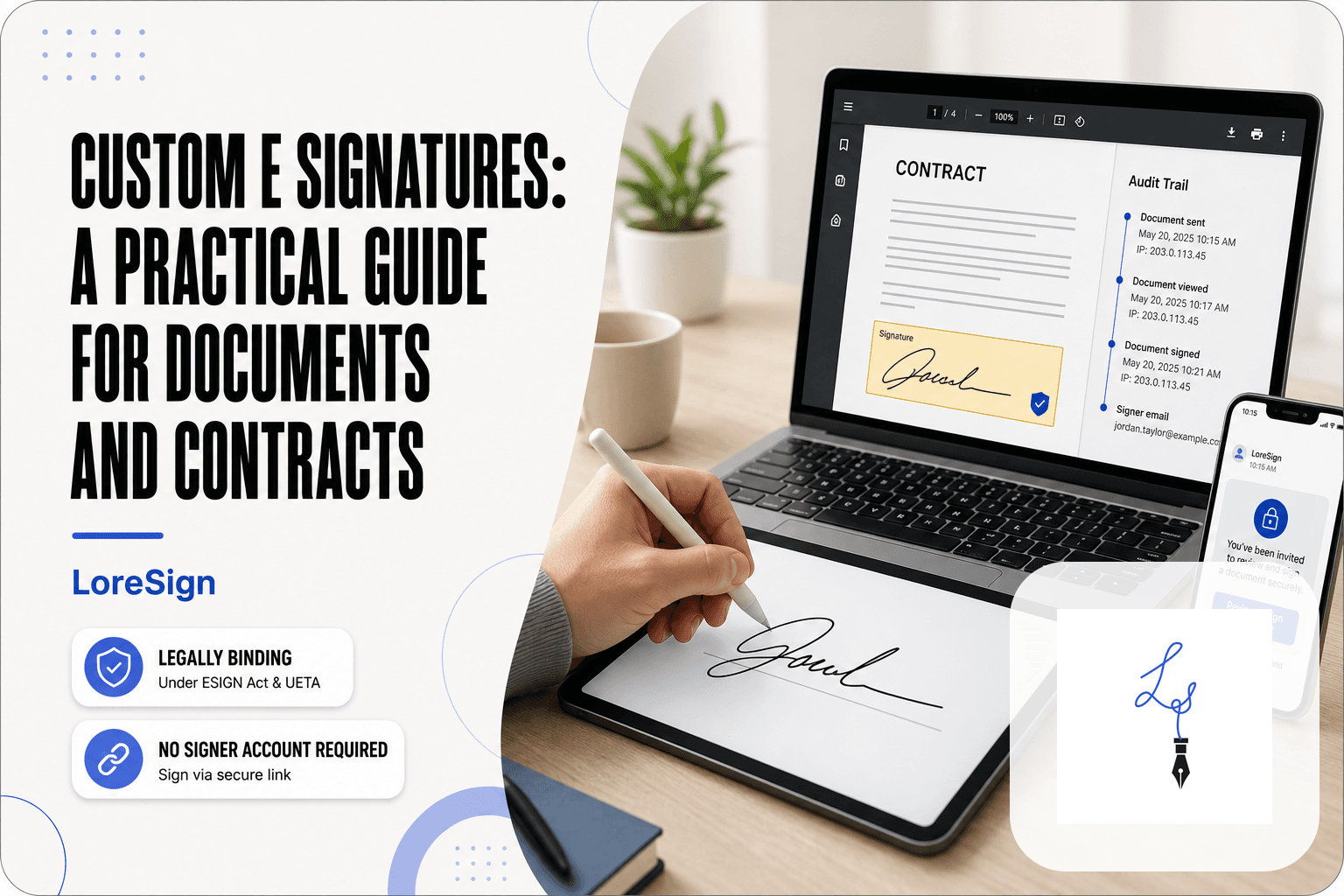
E Signatures: A Practical Guide for Getting Documents Signed
You've just been asked to sign something online, or you need to send a document for someone else's signature, and the term "e signatures" keeps coming up. You're not sure if it's safe, whether it holds up legally, or which tool to use without paying for features you'll never touch. An e signature is simply an electronic mark, a typed name, a drawn signature, or a click-to-sign action, that shows intent to agree to a document. That's the whole definition. The good news is that for most everyday documents, it's just as binding as ink on paper. The honest answer is that it's not a magic seal, and there are real limits you need to know before you rely on one. This guide covers what e signatures are, how to sign a document step-by-step, what they legally can't do, and how to pick a tool, including LoreSign, without overpaying.
| At a glance | Details |
|---|---|
| Legal validity | ESIGN Act and UETA make them legal in the US |
| What they can't do | Wills, some court filings, certain real estate deals |
| Free options | LoreSign, DocuSign, Adobe have limited free tiers |
| How to sign | Upload PDF, place fields, send secure link |
| Time to complete | Often minutes, not days |
In This Guide
- What Is an E Signature?
- Free vs. Paid E-Signature Tools: What Do You Really Get?
- E Signature vs. Digital Signature: What's the Difference?
- E Signatures: A Step-by-Step Guide
- Are E Signatures Legally Binding in the U.S.?
- How to Sign a Document with an E Signature: Step-by-Step
- What E Signatures Cannot Do
- How to Get an E Signature for Free
- How to Choose an E Signature Tool Without Overpaying
- Common E Signature Mistakes to Avoid
- Final Thoughts on E Signatures
What Is an E Signature?
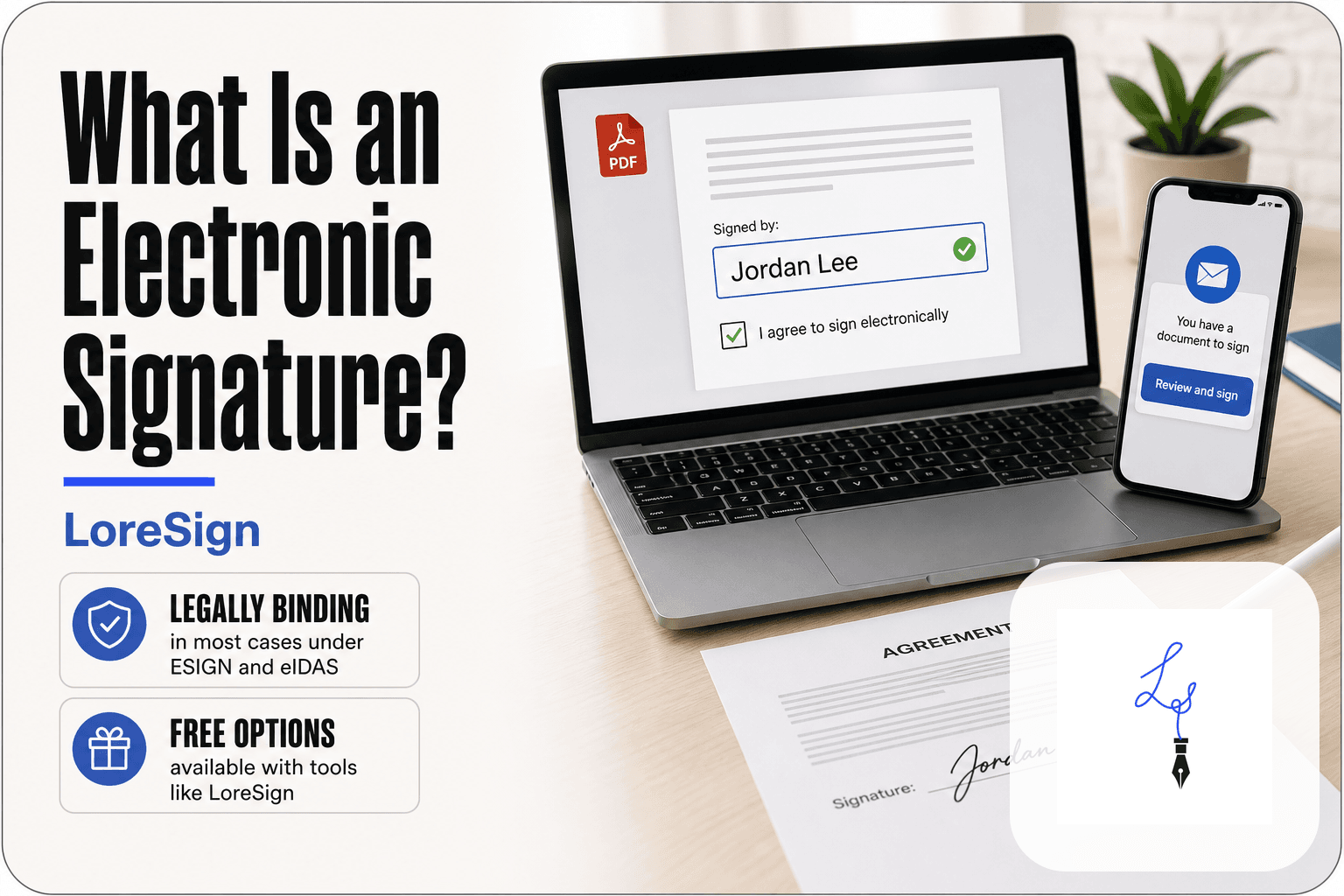
An e signature is any electronic mark, sound, or process attached to a document that shows a person's intent to sign it. It's the online equivalent of a pen-and-ink signature, and it's legally binding for most documents in the U.S.
E signature vs. wet signature: the one-sentence difference
A wet signature is ink on paper. An e signature is intent captured electronically. Both show you agreed to what's on the page. The law treats them the same for most contracts, agreements, and forms.
Common types of e signatures (typed, drawn, uploaded image, click-to-sign)
You'll see four main types. A typed signature is your name in a script-style font. A drawn signature is you signing with a finger or mouse. An uploaded image is a photo or scan of your handwritten signature. Click-to-sign is a checkbox or button that says "I agree." All four count as e signatures. None is more legal than another. What matters is that you intended to sign, not how the mark looks.
E-signatures are legally binding in the United States under the ESIGN Act and UETA, but they cannot be used for certain documents like wills, some court filings, and certain real estate transactions.
Free vs. Paid E-Signature Tools: What Do You Really Get?
| Factor | Free Tier | Paid Tier |
|---|---|---|
| Cost | $0, but limited features | Monthly or annual fee per user |
| Signatures per month | Usually capped (e.g., 3 on LoreSign) | Unlimited or higher caps |
| Branding | Vendor branding or watermark | Custom branding and watermark-free PDFs |
| Templates | Limited (e.g., 3 on LoreSign) | Unlimited on higher plans |
| Support | Basic or community | Priority support and advanced features |
E Signature vs. Digital Signature: What's the Difference?
People use these terms interchangeably. They aren't the same thing. An e signature is the broad category: any electronic mark showing intent to sign. A digital signature is one specific type of e signature that uses encryption to lock the document and prove it hasn't been changed.
The simple analogy: a photo of your signature vs. a tamper-proof seal
Think of an e signature as a photo of your handwritten signature pasted onto a document. It shows who signed and that they meant to. A digital signature is that photo plus a tamper-proof seal wrapped around the whole document. If anyone alters a single character after signing, the seal breaks and the software flags it.
When the distinction actually matters
For most everyday documents, it doesn't. Rental agreements, offer letters, freelance contracts: a plain e signature works fine. The distinction matters when someone could dispute what was signed or when regulations demand proof the document wasn't altered. That's when you need the encryption layer a digital signature provides. Most e signature tools, including LoreSign, apply digital signature technology behind the scenes without you needing to know the difference.
For first-time signers, always check the email sender's address and the link's URL to ensure it's from a legitimate service. If you're sending documents, use a tool that provides an audit trail and automatic delivery of the signed PDF.
E Signatures: A Step-by-Step Guide
- Open the secure link you received via email.
- Review the document and locate the highlighted signing fields.
- Click on each field to add your signature, initials, or date.
- If prompted, choose to draw, type, or upload an image of your signature.
- Complete any additional fields, such as your name or address.
- Click 'Finish' or 'Sign' to submit your signature.
- Download a copy of the signed document for your records.
Are E Signatures Legally Binding in the U.S.?
Yes. The ESIGN Act (2000) and UETA give electronic signatures the same legal weight as wet signatures, as long as both parties agree to sign electronically.
The ESIGN Act and UETA in plain English
The ESIGN Act is federal law. It says a contract can't be thrown out just because it was signed electronically. UETA is the state-level version, adopted by 47 states. The three holdouts (New York, Illinois, Washington) have their own laws that do the same thing.
What makes an e signature legally valid: consent, intent, and record retention
Three things matter. Consent: both parties have to agree to do business electronically. Intent: the signer has to mean to sign, which a click-to-sign button or typed name shows. Record retention: the signed document has to be stored in a form both parties can access and print. Most e signature tools handle all three automatically.
When you might need a notary or witness
Some documents still need a notary or witness, even with an e signature. Wills, certain real estate transfers, and some court filings fall into this category. Remote online notarization exists in many states, but it's a separate process from a standard e signature. Check your state's rules before assuming an e signature is enough.
How to Sign a Document with an E Signature: Step-by-Step
You've received a link. Someone wants your signature on a document, and you've never done this before. The process takes under two minutes. Here's the walkthrough.
Step 1: Open the document in your e signature tool
Click the link in the email. It opens in your browser, no download required. You'll see the document with fields already placed: signature, date, initials, maybe a checkbox. If you're the one sending, you'll upload the PDF and drag fields onto it instead.
Step 2: Place your signature and any required fields
Click the signature field. The tool asks how you want to sign: type your name, draw it with a mouse or finger, or upload an image. Pick one. The tool converts it into a signature and drops it into the field. Fill every other marked field the same way. Don't skip the date field if there is one.
Step 3: Confirm your identity and intent
Most tools ask you to confirm before the signature locks in. You might click an "I agree" checkbox or type your name again. That's the intent requirement from the ESIGN Act, and it's what makes the signature legally binding. Some tools also send a one-time code to your email or phone. Enter it if prompted.
Step 4: Send or finalize the document
If you're signing someone else's document, hit the final "Sign" or "Finish" button. The tool locks your signature and notifies the sender. If you're sending the document, you'll add signer emails, set the order if multiple people need to sign, and hit send. The tool handles the routing.
Step 5: Download the signed copy and audit trail
Once everyone has signed, you'll get an email with the completed PDF. Download it. Then download the audit trail or certificate of completion. That's the record showing who signed, when, and from what IP address. Keep both files together. If the document is ever challenged, that audit trail is your evidence.
What E Signatures Cannot Do
An e-signature records that someone clicked "I agree." It doesn't prove who was sitting at the keyboard. That gap matters more for some documents than others.
Documents where e signatures are often not accepted (wills, some court filings, certain real estate)
Wills and trusts are the big one. Most states require a wet signature with witnesses present, and an e-signature won't hold up. Some court filings still demand ink, especially in family and probate courts. Real estate varies by county: deeds and mortgage documents often need notarization, and while remote online notarization exists, not every recorder's office accepts it. Check with the specific court or county before you sign.
E signatures do not verify the signer's identity by themselves
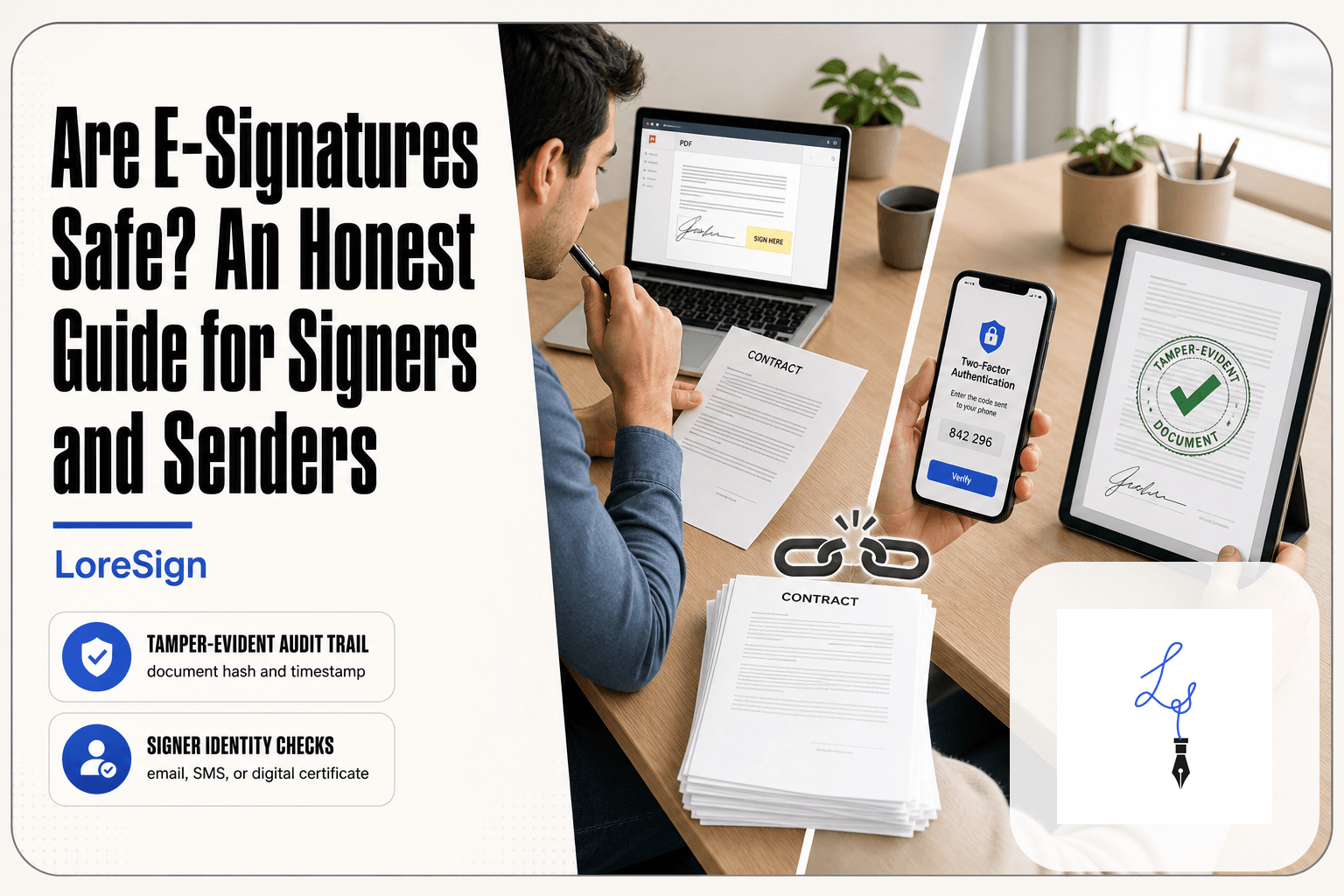
A typed name is just a typed name. Anyone with access to the email inbox can click through. Some tools add email verification or a one-time code, but that only proves someone had the inbox, not who they are. If identity matters, you need a separate step: a notary, an ID check, or a digital signature with a certificate.
E signatures do not make a document legally enforceable on their own
The signature is evidence of intent. The document still has to be a valid contract: clear terms, mutual agreement, legal subject matter. An e-signature on a vague or illegal agreement is worthless. And if the other party claims they never signed, the audit trail helps, but it doesn't end the dispute.
How to Get an E Signature for Free
You can get an e signature for free with a free tier from most e signature tools. The catch: free tiers cap how many documents you can send, and they often strip out the features that make e signatures useful.
What free e signature tools typically include
Free plans usually cover the basics: upload a PDF, place a signature field, send it to one signer, and receive the signed copy back. You'll get a typed or drawn signature, and the document will be legally binding under the ESIGN Act. Some free tiers include a few templates, but not many.
Common free tier limitations (document limits, no audit trail, no templates)
The limits show up fast. Most free plans cap you at three to five documents per month. The audit trail, which records timestamps and IP addresses for every signature, is often paywalled. Templates are too. So is branding: your signed PDF may carry the tool's watermark. If you're signing one document a year, free is fine. If you're sending contracts weekly, you'll hit the wall in a month.
Is Google e-signature free? A quick answer
Google doesn't offer a standalone e signature tool. Google Docs lets you draw a signature or insert an image, but that's not the same as a legally binding e signature with an audit trail. Google Workspace users can use third-party add-ons, some of which have free tiers, but Google itself doesn't provide one.
How to Choose an E Signature Tool Without Overpaying
Most people overpay because they buy for a business they don't run. Before comparing tools, decide what you actually sign.
Individual vs. business use: what you actually need
An individual signing a lease or a freelance contract needs three things: a legally binding signature, a copy of the signed document, and a basic audit trail. That's it. You don't need team seats, role permissions, or CRM integrations.
A business sending documents to clients needs more: templates for repeat contracts, automated reminders, and multi-signer routing. If you're sending five or more documents a month, paid tiers earn their cost in time saved.
Key features to compare (audit trail, templates, integrations, mobile app)
Compare four features before anything else. The audit trail records who signed, when, and from what IP address. Templates let you reuse the same contract without rebuilding fields. Integrations connect to Google Drive, Dropbox, or your CRM. A mobile app matters if you sign on your phone.
Skip features you won't use. Brand kits and API access are enterprise tools. If you're not embedding signatures into your own software, you don't need them.
Free vs. paid: an honest comparison table
| Feature | Free tier | Paid tier |
|---|---|---|
| Documents per month | 3-5 | Unlimited |
| Audit trail | Often paywalled | Included |
| Templates | 0-3 | Unlimited |
| Branding | Tool's watermark | Your logo |
| Reminders | Rare | Automated |
| Multi-signer routing | Basic | Ordered |
The honest answer: free works for occasional personal use. Paid starts around $10-15 per month and pays for itself once you send more than a handful of documents. Don't pay for enterprise features you'll never open.
Common E Signature Mistakes to Avoid
Most mistakes come from assuming the tool handles everything. It doesn't.
Not checking whether the document type accepts e signatures
Wills, some court filings, and certain real estate transfers still require wet signatures or notarization. Check before you send. A rejected document costs more time than the two minutes it takes to verify.
Skipping the audit trail download
The audit trail is your proof if the signature is ever challenged. Download it with the signed copy. Don't assume the tool stores it forever.
Using a tool without signer authentication
A typed name alone proves nothing about who typed it. Use a tool that verifies signer identity through email, SMS, or ID checks. Otherwise you're collecting marks, not signatures.
Final Thoughts on E Signatures
E signatures are safe, legal, and enforceable for most documents. The ESIGN Act and UETA cover them, and courts treat them like wet signatures when consent, intent, and record retention are in place.
But not every document qualifies. Wills, some court filings, and certain real estate transfers still need ink and a notary. Check before you send.
If you need a simple tool that tracks every signer and delivers the completed document automatically, LoreSign does that without the enterprise price tag. Upload a PDF, place the fields, send one secure link. That's the whole workflow.
Frequently Asked Questions
How do I do an eSignature?
To create an e-signature, you typically upload a PDF to an e-signature tool, place your signature and other fields, and send it via a secure link. The recipient clicks the link, signs, and the document is automatically returned to you.
How do I get an eSignature for free?
Many e-signature services offer free tiers. For example, LoreSign's free plan allows up to 3 signature requests per month. These are sufficient for occasional signing needs.
What is the best e-signature company?
The best e-signature company depends on your needs. For individuals and small businesses, LoreSign offers a straightforward free tier and automatic document delivery. Larger enterprises may prefer DocuSign or Adobe Sign for advanced features.
Is Google e-signature free?
Google Workspace does not include a native e-signature feature, but you can use Google Docs' built-in 'Signature' feature for simple documents. For formal contracts, you'll need a dedicated e-signature tool.
Are e-signatures legally binding?
Yes, in the United States, e-signatures are legally binding under the ESIGN Act and UETA. They are admissible in court, provided you can demonstrate the signer's intent and consent.
What documents cannot be signed electronically?
E-signatures are not valid for certain documents, such as wills, some court filings, and certain real estate transactions (like deeds). Always check local laws and the specific document's requirements.
How long does it take to sign a document electronically?
Signing an electronic document typically takes just a few minutes. Once you receive the link, you can review and sign the document immediately, and the sender receives the completed PDF automatically.
About LoreSign
LoreSign helps For people looking to get documents and contracts signed. get this right. Track every signer and receive the completed document automatically. Whether you are working through e signatures or something adjacent, we publish what we have actually tested, including where it falls short.