What Is an Electronic Signature?
You've been asked to sign a document electronically, and you're staring at the email wondering if your typed name actually counts. It's a fair question. An electronic signature is any electronic mark, sound, or process attached to a record that shows intent to sign. That's it. A typed name. A drawn squiggle. A clickwrap "I agree" button. All of them can be electronic signatures.
The confusion is understandable. Search for "what is an electronic signature" and you'll find vendor pages that blur the line between e-signatures and digital signatures, skip the legal tiers entirely, and never mention when an e-signature won't hold up. This guide doesn't do that. You'll learn what an electronic signature is, when it's legally valid, what it cannot do, and how to use one for free if you choose, with LoreSign as one practical option among many.
| At a glance | Details |
|---|---|
| Definition | Electronic data indicating intent to sign. |
| Legally binding | Yes, in most cases (ESIGN, eIDAS). |
| Common forms | Typed name, drawn signature, click-to-accept. |
| Key difference | Digital signatures are a secure type. |
| Not valid for | Wills, certain court filings, some deeds. |
| How to start | Use a tool like LoreSign. |
In This Guide
- What Is an Electronic Signature?
- Electronic Signature vs. Digital Signature: What’s the Difference?
- What Is a Digital Signature?
- What Is An Electronic Signature: A Step-by-Step Guide
- Electronic Signature vs. Digital Signature: What's the Difference?
- How Electronic Signatures Work
- Types of Electronic Signatures: Simple, Advanced, and Qualified
- Are Electronic Signatures Legally Binding?
- What an Electronic Signature Cannot Do
- How to Use an Electronic Signature: A First-Timer's Walkthrough
- Electronic Signatures for Job Applications and Freelance Contracts
- Which Type of Signature Do You Need? A Simple Checklist
- Common Mistakes When Using an Electronic Signature
What Is an Electronic Signature?
An electronic signature is any electronic mark, sound, or process that shows a person's intent to agree to a document or record. It's the digital equivalent of signing your name on paper, and it's legally binding in most situations.
The plain-English definition
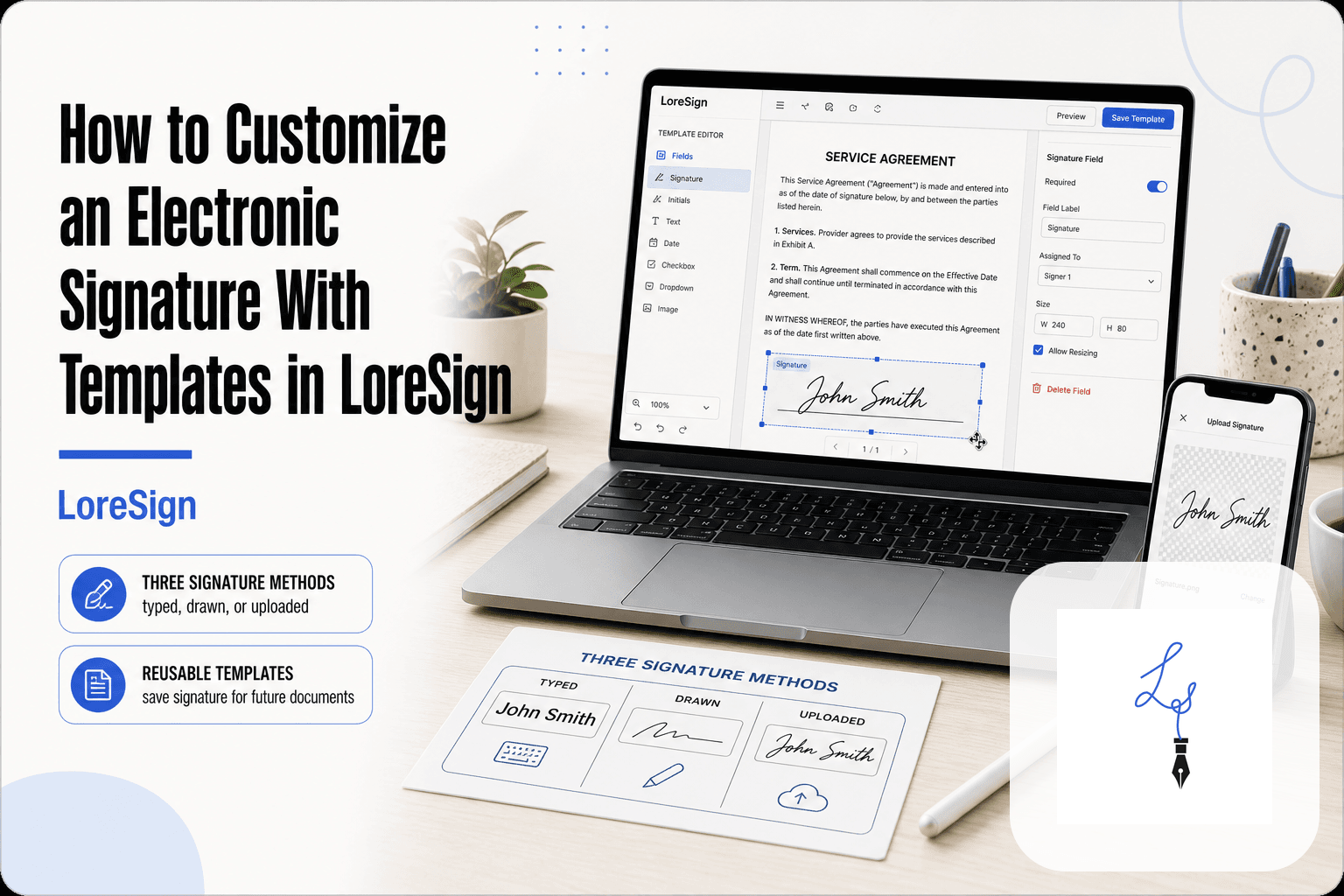
An electronic signature isn't one specific thing. It's an umbrella term. If you type your name, draw your signature with a mouse or finger, click an "I agree" button, or upload an image of your handwritten signature, you've created an electronic signature. What matters is intent: did you mean to sign?
Common examples of electronic signatures
The most common forms are a typed name at the bottom of an email, a drawn signature on a touchscreen, a clickwrap "I agree" checkbox, and a scanned image of your wet signature pasted into a document. All of these count.
What the law says: ESIGN Act and UETA
In the US, two laws govern electronic signatures: the ESIGN Act (2000) and the Uniform Electronic Transactions Act (UETA), adopted by 49 states. Both say a signature can't be denied legal effect just because it's electronic. The key requirement is that the signature is attached to or associated with the record being signed.
An electronic signature is not the same as a digital signature. Digital signatures are a specific type of electronic signature that uses cryptographic technology to provide higher security and legal assurance.
Electronic Signature vs. Digital Signature: What’s the Difference?
| Factor | Electronic Signature | Digital Signature |
|---|---|---|
| Definition | Any electronic indication of intent to sign | A specific type using cryptographic encryption |
| Legal basis | ESIGN, eIDAS, UETA | Subset of electronic signatures, often with higher legal standing |
| Security level | Varies (simple to advanced) | High – uses digital certificates and encryption |
| Common use | Everyday contracts, HR forms, approvals | High-value or regulated transactions |
| Examples | Typed name, scanned signature, click-to-accept | Qualified electronic signature (QES) under eIDAS |
What Is a Digital Signature?
A digital signature is a specific type of electronic signature that uses cryptography to prove who signed a document and that nothing changed after signing. It's the secure subset of the broader e-signature umbrella.
Digital signatures are a type of electronic signature
Every digital signature is an electronic signature, but the reverse isn't true. A typed name or drawn signature just shows intent. A digital signature adds a layer of cryptographic proof tied to the signer's identity.
How cryptography verifies identity and integrity
Behind the scenes, a digital signature uses public key infrastructure (PKI). The signer holds a private key, and the document carries a matching public certificate. If anyone alters the document after signing, the signature breaks. That's the tamper-evident part.
When digital signatures are required
Most everyday contracts don't need one. Digital signatures matter for regulated industries, government filings, and high-value transactions where proving identity and detecting tampering is non-negotiable. For a job offer or lease, a simple e-signature is usually enough.
For routine business documents, a simple electronic signature is sufficient. But if you're handling high-value contracts or operating in the EU, consider using a qualified electronic signature (QES) for the highest legal standing.
What Is An Electronic Signature: A Step-by-Step Guide
Step 1: Choose a reputable e-signature tool like LoreSign.
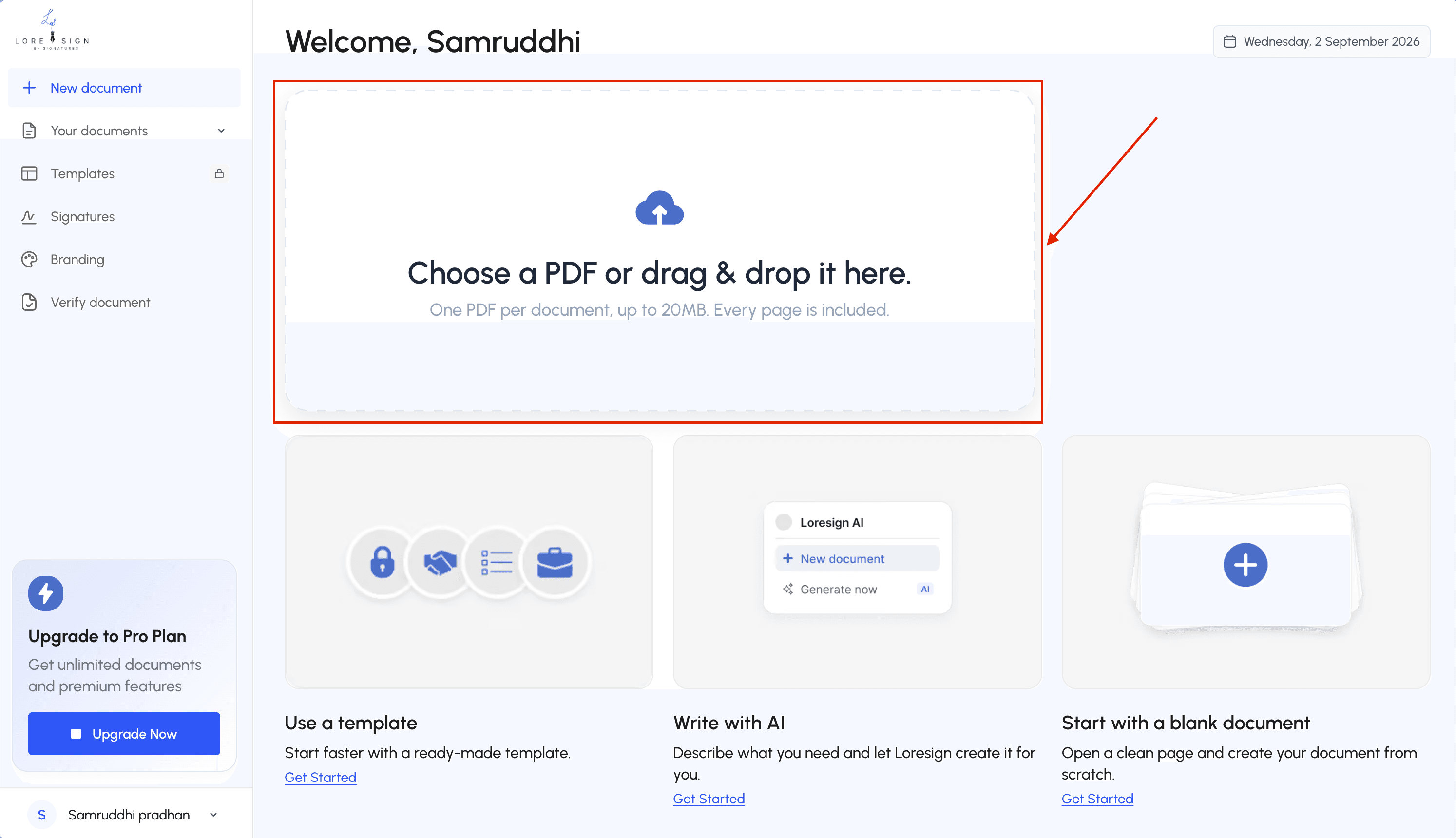
Step 2: Upload the PDF document you need signed.
 Step 3: Place signature fields and any other required fields (date, initials) on the document.
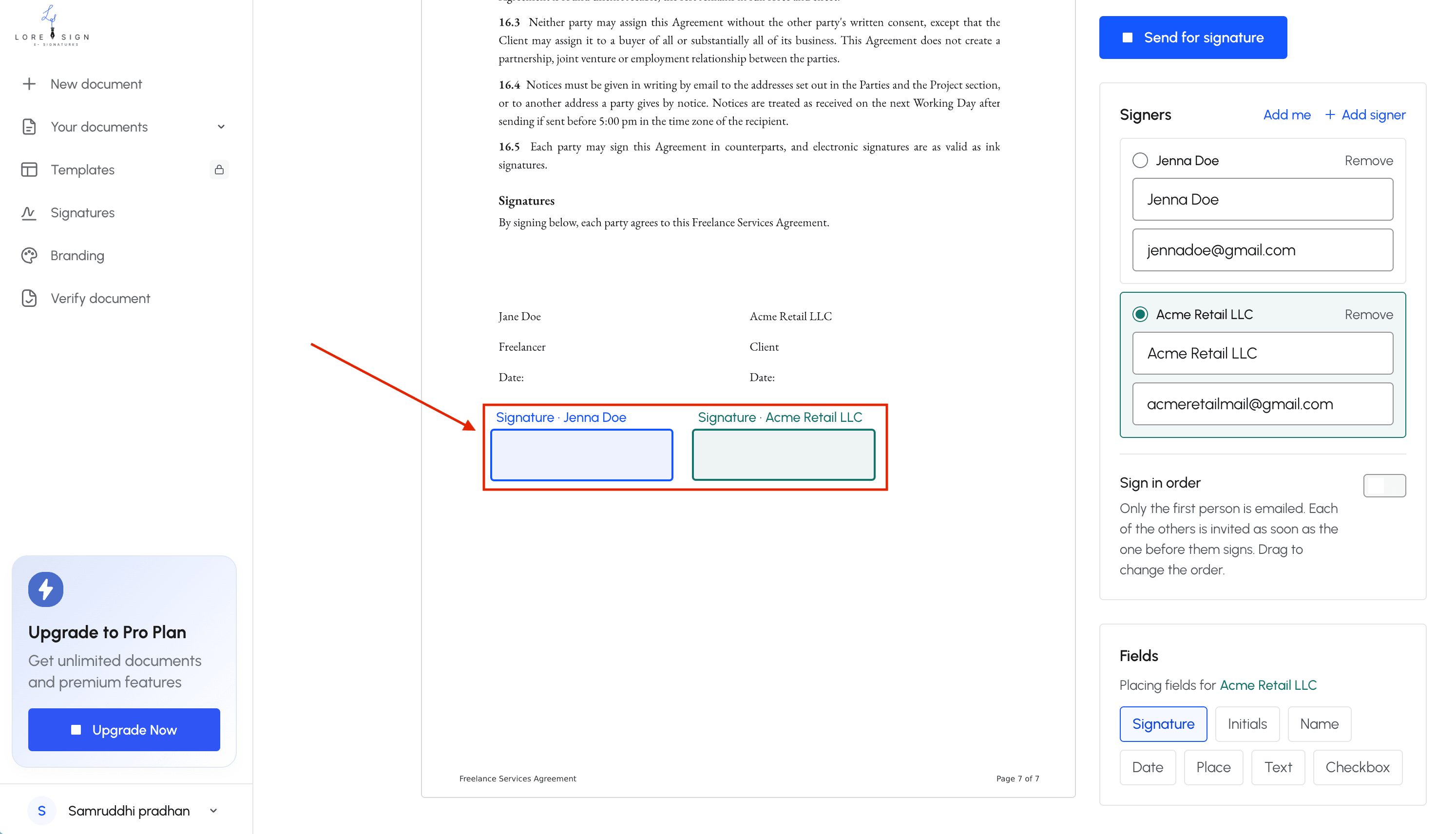 Step 4: Add recipient email addresses and set the signing order if multiple signers are needed.
Step 5: Send the secure signing link and enable automated reminders for unsigned documents.
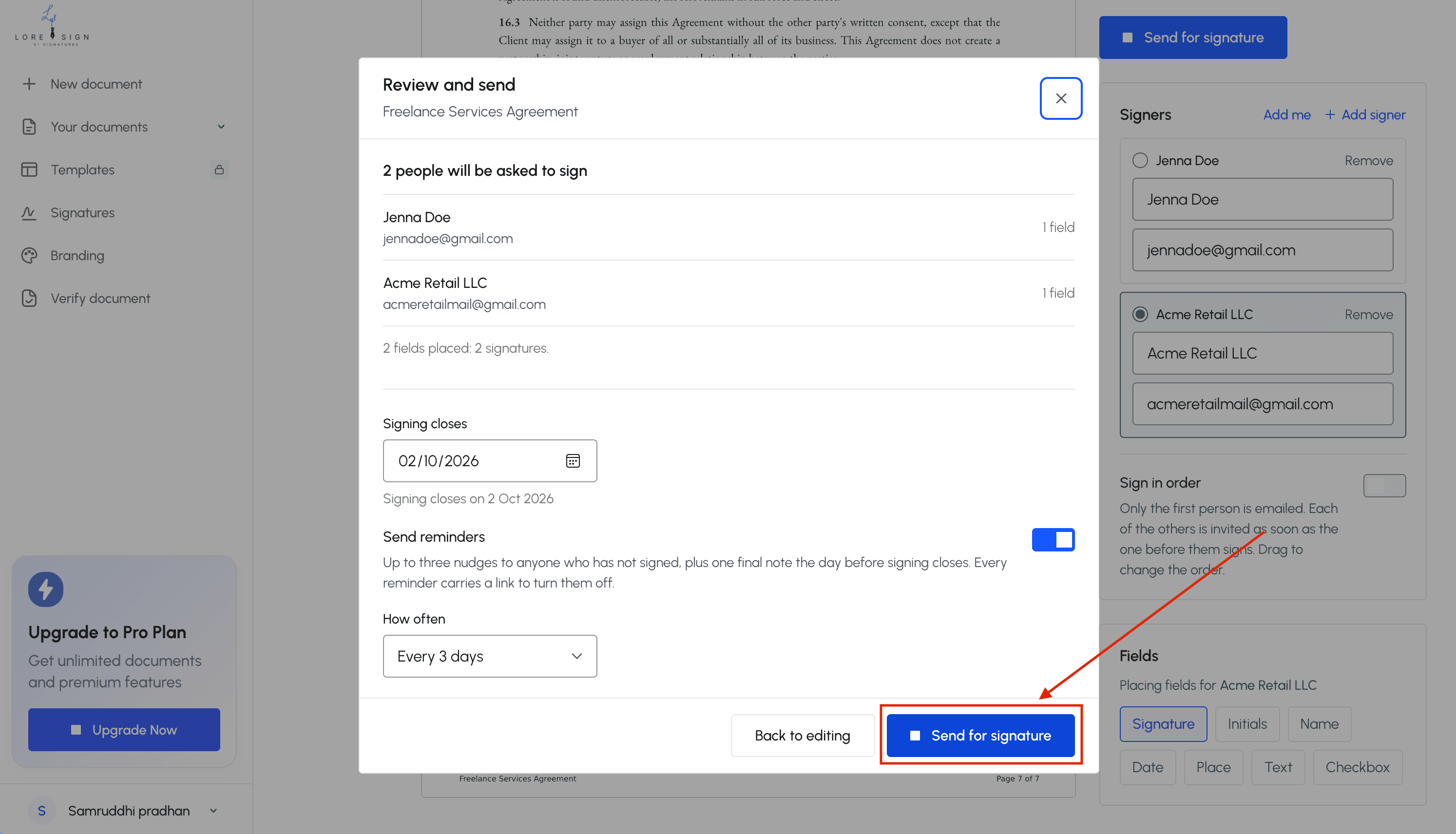 Step 6: Track the signing status and receive the completed, signed PDF automatically once all parties sign.
Electronic Signature vs. Digital Signature: What's the Difference?
The core difference in one sentence
All digital signatures are electronic signatures, but not all electronic signatures are digital signatures. Digital signatures add cryptographic proof of identity and tamper detection. A simple e-signature just shows intent.
A simple analogy
Think of an electronic signature as a handwritten signature on a piece of paper. A digital signature is that same paper, notarized and sealed. Both show you agreed. Only one proves the document hasn't changed since you signed it.
Which one do you actually need?
For most everyday documents, a simple e-signature is enough. Job offers, leases, freelance contracts, NDAs. You need a digital signature only when identity verification and tamper evidence are legally required: government filings, regulated industries, high-value transactions.
How Electronic Signatures Work
The signing process step by step
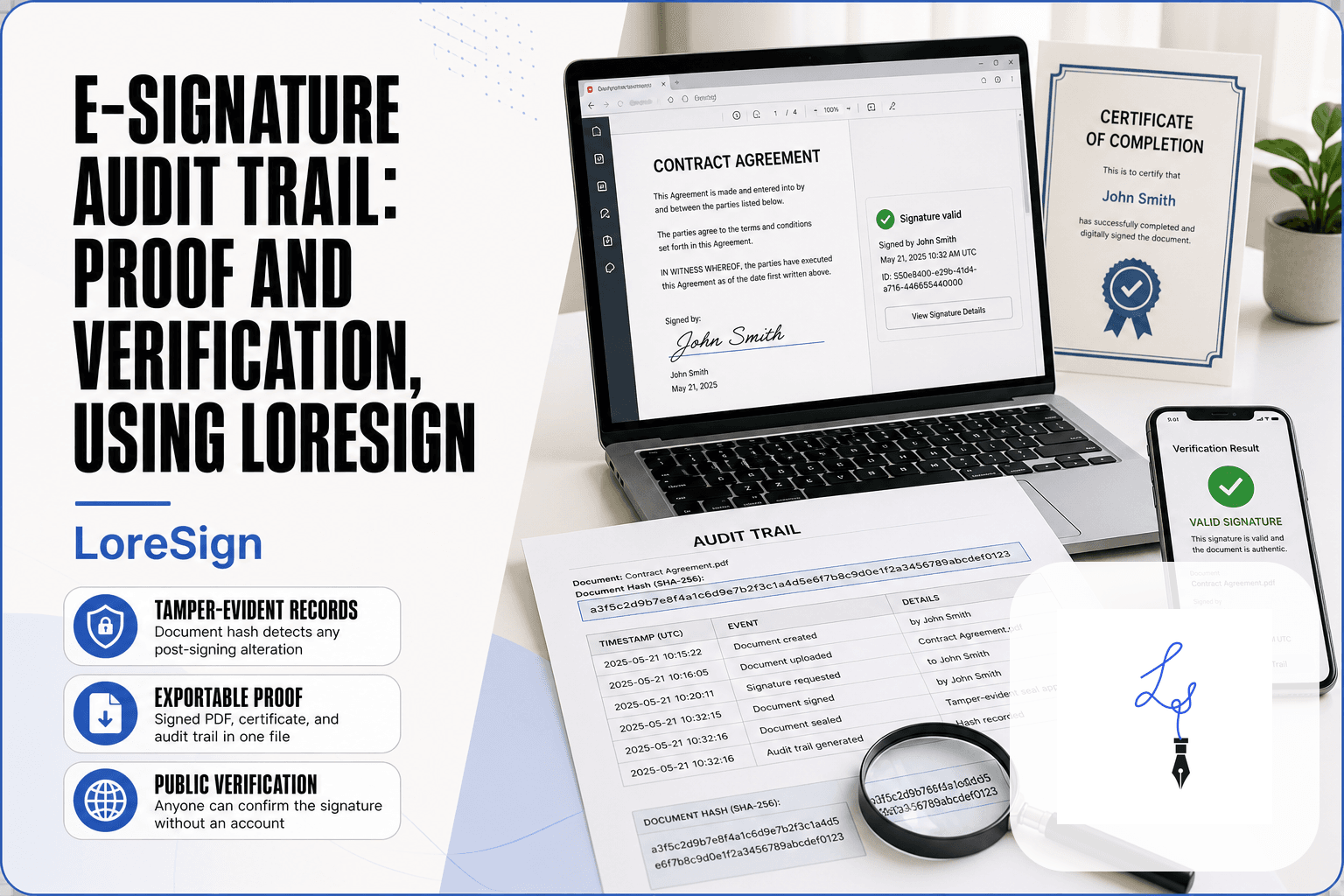
You upload a document, place a signature field, and send a link. The signer opens it, types or draws their name, and clicks to confirm. They get a copy. You get a copy. Done.
What happens behind the scenes
The platform records the signer's email, IP address, and the exact time they signed. It locks the document so nothing changes after signing. If someone alters it later, the signature breaks.
What the audit trail records
The audit trail logs who signed, when, from where, and in what order. It also captures consent to sign electronically. That record is what holds up if the signature is ever challenged.
Types of Electronic Signatures: Simple, Advanced, and Qualified
"Electronic signature" is an umbrella term. It covers everything from a typed name at the bottom of an email to a cryptographically sealed document. The legal weight varies a lot between those two ends.
Simple Electronic Signatures (SES)
A simple electronic signature is any electronic mark that shows intent to sign. A typed name, a scanned signature image, a checkbox that says "I agree." No identity verification, no encryption. It's the most common type and works for most everyday documents: offer letters, NDAs, freelance contracts, internal forms.
Advanced Electronic Signatures (AES)
An advanced signature links the signature to the signer's identity and detects any change after signing. It uses a digital certificate tied to one person. If someone edits the document post-signature, the signature invalidates. You'll see this in regulated industries: banking, insurance, some government filings.
Qualified Electronic Signatures (QES)
A qualified signature is the strongest tier. It requires a qualified digital certificate issued by an accredited trust service provider, plus identity verification in person or via video. Under eIDAS, a QES carries the same legal weight as a handwritten signature across all EU member states. It's legally equivalent to a wet signature, full stop.
Which tier do you need?
It depends on the document and the jurisdiction. For most business and employment paperwork, a simple signature is enough. If you're signing a loan agreement or a document that could end up in court, check whether the counterparty requires AES or QES. When in doubt, ask the sender what tier they accept.
Are Electronic Signatures Legally Binding?
Yes, in most jurisdictions. The US ESIGN Act (2000) and UETA give electronic signatures the same legal standing as wet signatures, provided both parties agree to sign electronically. The EU's eIDAS regulation does the same across member states.
US law: ESIGN Act and UETA
ESIGN applies at the federal level. UETA has been adopted by 49 states, with New York using its own equivalent. Both laws state a signature cannot be denied legal effect just because it's electronic.
EU law: eIDAS
eIDAS sets the rules for all EU countries. A qualified electronic signature carries the same weight as a handwritten one. Simple and advanced signatures are also valid, but the burden of proof shifts if a dispute lands in court.
The four requirements for a valid e-signature
- Intent to sign: the signer must clearly mean to agree.
- Consent: both parties agree to do business electronically.
- Association: the signature must be linked to the document.
- Record retention: the signed record must be accessible and reproducible.
If those four hold, the signature is enforceable. If any one fails, you have a problem.
What an Electronic Signature Cannot Do
E-signatures cover most agreements, but not all. Some documents still demand ink on paper, and no software changes that.
Documents that usually require a wet signature
Wills and trusts top the list. Most US states require a physical signature with witnesses present. Some family law documents, like adoption papers and certain divorce filings, also need wet ink. Real estate deeds vary by county: some accept e-signatures, many don't. Court filings are the same patchwork. Check with the specific court or recorder before you sign.
When organizations reject e-signatures
Some banks, government agencies, and employers simply refuse them. Their policy, not the law, is the blocker. A signature can be legally valid and still rejected by the receiving office. Ask first.
What an e-signature doesn't prove
An e-signature proves intent to sign. It doesn't prove the signer read the document, understood it, or wasn't pressured. A typed name on a 40-page contract carries the same legal weight as ink, but no signature type verifies comprehension. That burden stays with the signer.
How to Use an Electronic Signature: A First-Timer's Walkthrough
You've received an email asking you to sign something. Here's the process, start to finish.
Step 1: Receive and verify the request
Check the sender's email address matches the person or company you expect. Hover over any links before clicking. If anything feels off, call the sender directly using a number you already have, not one from the email. Legitimate signature requests come from platforms like DocuSign, Adobe Sign, or LoreSign, and they'll show the document before you commit to anything.
Step 2: Apply your signature
Open the link. The platform walks you through fields: click each one, then type your name, draw a signature with your mouse or finger, or upload an image. Typed names count. You'll usually check a box confirming you agree to sign electronically. Read the document first. The signature is the easy part.
Step 3: Download and save the signed document
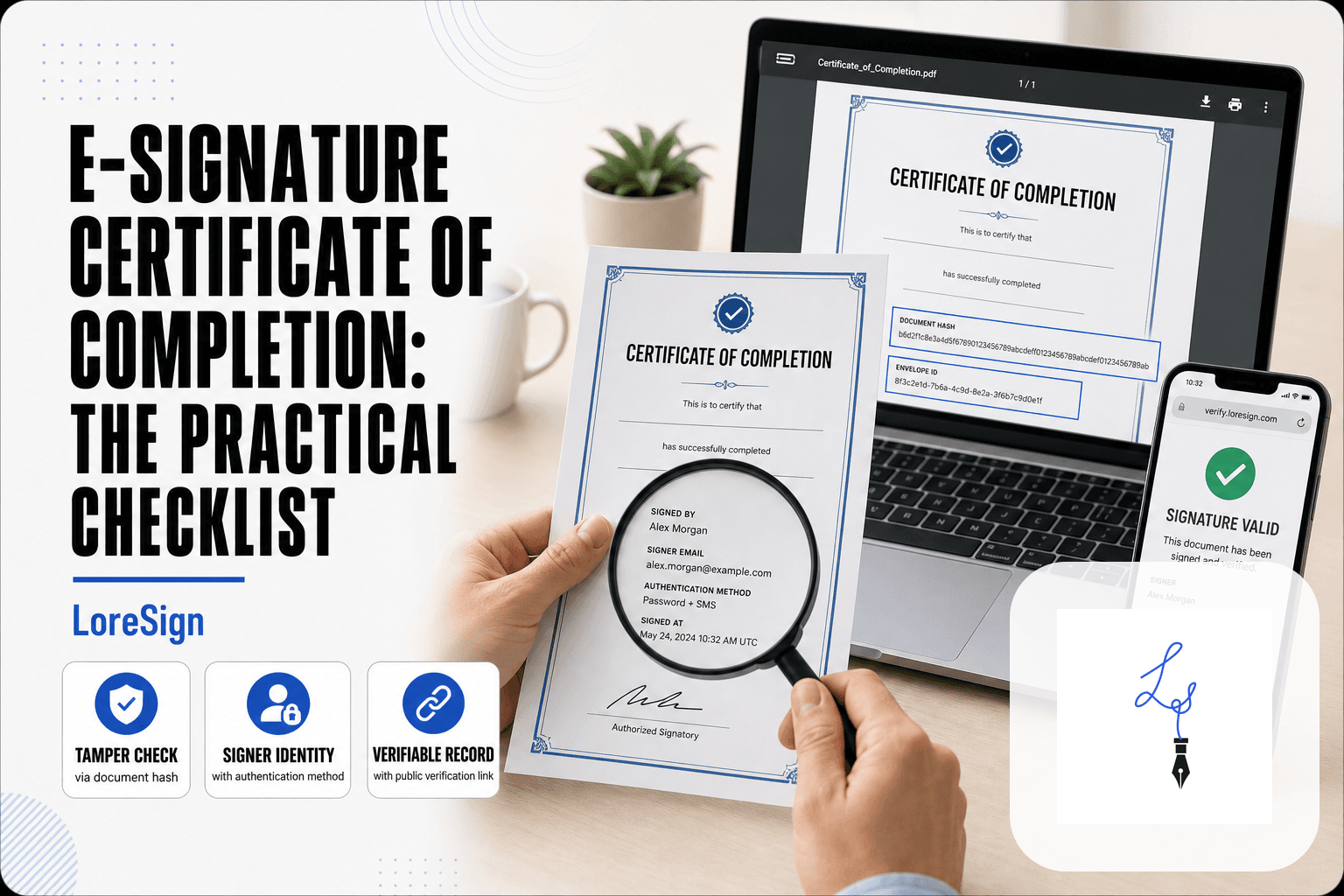
After you finish, the platform emails you a completed copy. Download it immediately. Save the PDF somewhere you'll find it later, along with any certificate of completion or audit trail the platform provides. That record shows who signed, when, and from what IP address. It's your proof if the agreement is ever disputed.
Electronic Signatures for Job Applications and Freelance Contracts
Job seekers and freelancers sign more documents than most people realize. Offer letters, NDAs, freelance agreements, onboarding forms. None of these require paid software on your end.
Signing an offer letter electronically
Employers send offer letters through platforms like DocuSign, Adobe Sign, or LoreSign. You click the link, review the terms, and type or draw your signature. The employer's platform handles the legal record. You don't pay anything.
Freelance contracts and NDAs
Clients expect you to sign and return contracts within a day or two. An e-signature is standard practice now. Read the scope, payment terms, and termination clause before signing. The signature itself takes thirty seconds.
What employers expect from your e-signature
They expect a typed or drawn name applied through a legitimate platform, plus the timestamp and audit trail that comes with it. They don't expect a notary, a scanned wet signature, or a certificate. If a client asks for something unusual, ask why.
Which Type of Signature Do You Need? A Simple Checklist
Start with the document. Most everyday agreements, offer letters, NDAs, freelance contracts, leases, only need a simple e-signature. You type or draw your name, the platform records the timestamp and IP address, and you're done.
The decision checklist
Ask three questions. What's the document? Where's the jurisdiction? How much is at stake?
Low risk, standard contract, both parties consenting: simple e-signature. High value, cross-border, or a counterparty you don't fully trust: advanced or digital. A court filing, real estate deed, or will: wet signature.
When to escalate to a digital signature
Escalate when tampering would be catastrophic. Large financial transactions, intellectual property transfers, government procurement. A digital signature adds cryptographic proof that the document hasn't changed since signing.
When to insist on a wet signature
Wills, trusts, some family law documents, certain real estate deeds. If the other party or a court requires notarization, don't argue. Print it, sign it, scan it.
Common Mistakes When Using an Electronic Signature
Most mistakes happen before the signature is even applied. Here are the ones that cost people money or legal standing.
Signing without reading the document
An e-signature carries the same legal weight as a wet one. Clicking "I agree" on a 40-page contract you skimmed is no different from signing it in ink. Read it first.
Using e-signatures on excluded documents
Wills, trusts, some family law filings, and certain real estate deeds still need wet signatures or notarization. If you're unsure, ask the requesting party before you sign.
Not saving the audit trail
The signed PDF isn't enough. Download the audit trail too. It's your proof of who signed, when, and from where if the agreement is ever challenged.
Assuming all e-signatures are equally secure
A typed name in an email is not the same as a signature applied through a platform that records identity and timestamps. For anything with real money or legal exposure attached, use a tool that generates an audit trail. That's the honest answer to what is an electronic signature: it's a tool that works when you use it correctly, and fails when you don't.
Frequently Asked Questions
What qualifies as an electronic signature?
An electronic signature is any electronic sound, symbol, or process attached to or logically associated with a record, executed or adopted by a person with the intent to sign the record. This includes typing your name, drawing your signature with a mouse or finger, or clicking an 'I accept' button.
What is the difference between a digital signature and an electronic signature?
A digital signature is a specific type of electronic signature that uses cryptographic encryption to verify the signer's identity and ensure the document hasn't been altered. While all digital signatures are electronic signatures, not all electronic signatures are digital. Digital signatures offer a higher level of security and are often required for more sensitive transactions.
How do I use an electronic signature?
To use an electronic signature, you typically upload a PDF to an e-signature platform like LoreSign, place signature fields where needed, and send a secure link to the recipient. The recipient then clicks to sign, and you receive the completed document automatically. Many tools also allow you to sign documents yourself by typing, drawing, or uploading an image of your signature.
Are electronic signatures legally binding?
Yes, in most countries, electronic signatures are legally binding for most types of agreements. In the US, the ESIGN Act and UETA provide legal recognition, while the EU's eIDAS regulation does the same. However, certain documents like wills, trusts, and some court filings may still require wet signatures, so it's important to check local laws.
What is an e-signature in a job application?
In a job application, an e-signature is typically used to acknowledge that the information you provided is accurate and to consent to background checks or other pre-employment procedures. It's a legally binding way to sign offer letters, non-disclosure agreements, and other HR documents without printing and scanning.
Can I create an electronic signature for free?
Yes, many e-signature tools offer free plans with basic features. For example, LoreSign's Free plan allows you to sign documents without watermarks and includes limited templates. You can also create a simple electronic signature by typing your name in a Word document or using a free online signature generator.
What documents require a wet signature instead of an electronic one?
Documents that typically require wet signatures include wills and testamentary trusts, certain real estate deeds, court filings, and documents related to family law such as adoption or divorce papers. Some jurisdictions also require wet signatures for notarized documents, though remote notarization is becoming more common.
About LoreSign
LoreSign helps For people looking to get documents and contracts signed. get this right. Track every signer and receive the completed document automatically. Whether you are working through What Is an Electronic Signature? by LoreSign or something adjacent, we publish what we have actually tested, including where it falls short.