Types of E-Signatures: A Practical Guide to SES, AES, and QES
You need a contract signed today, and you're searching "types of e-signatures" because you don't want to pick the wrong one. Here's the honest answer: there are three legal categories, and they are not interchangeable. A simple typed name is enough for some documents. A qualified electronic signature is legally required for others. Pick the wrong one, and you either pay for security you don't need, or you get a signature that's easy to repudiate in court.
The good news is that platforms like LoreSign handle the mechanics for you: upload a PDF, choose the right signature type, and send one secure link. But you still need to know which type your document actually requires.
This guide covers what SES, AES, and QES each mean, what each one cannot do, and a plain decision framework so you can send the right type of e-signature with confidence.
| At a glance | Details |
|---|---|
| Types | SES, AES, QES |
| Legal basis | eIDAS (EU), ESIGN (US) |
| SES level | Basic, broad use |
| AES level | Identity verified |
| QES level | Highest, court-proof |
| Common tools | LoreSign, DocuSign, Adobe |
In This Guide
- What Is an Electronic Signature?
- SES vs AES vs QES: Which E-Signature Type Do You Need?
- The Three Types of E-Signatures (SES, AES, QES)
- Types Of E-signatures: A Step-by-Step Guide
- Simple Electronic Signature (SES): What It Is and When to Use It
- Advanced Electronic Signature (AES): What It Is and When to Use It
- Qualified Electronic Signature (QES): What It Is and When to Use It
- SES vs AES vs QES: How to Choose the Right Type of E-Signature
- What Are the Four Types of Signatures? (And Why That's Confusing)
- Common Mistakes When Choosing Types of E-Signatures
What Is an Electronic Signature?
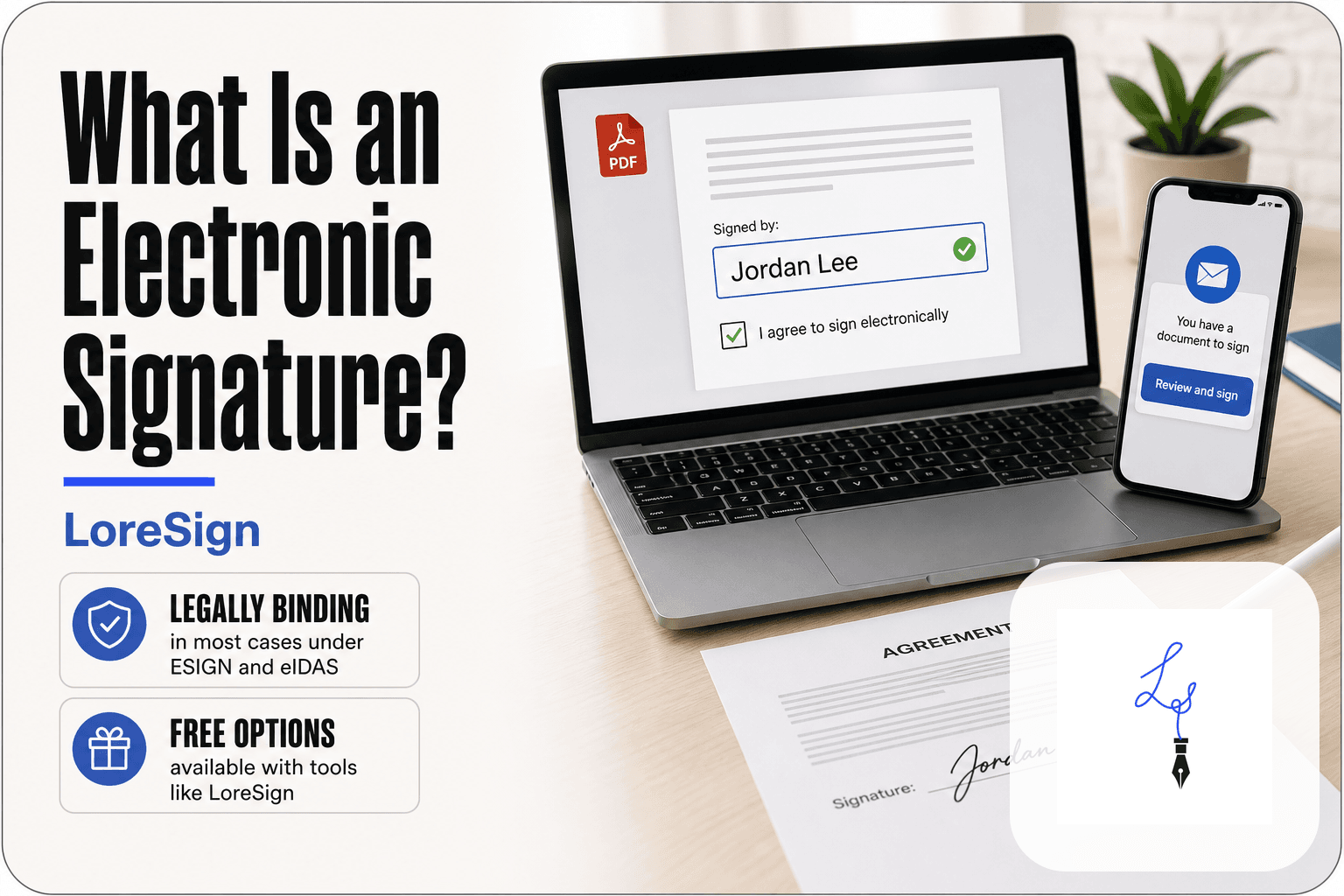
An electronic signature is any digital mark, symbol, or process that shows a person's intent to agree to a document. A typed name, a scanned handwritten signature, a clicked "I agree" button, or a drawn signature on a touchscreen all count.
The key is intent. If you meant to sign, and the method links you to the document, it's an electronic signature.
Electronic signature vs. digital signature: what's the difference?
An electronic signature is a legal concept. A digital signature is a technical one: it uses encryption to verify the signer's identity and detect tampering. Every digital signature is an electronic signature. Not every electronic signature is digital.
Are electronic signatures legally binding?
Yes, in most jurisdictions. The US ESIGN Act and UETA, plus the EU's eIDAS regulation, give electronic signatures the same legal weight as wet ink, provided the signer consented and the method is appropriate for the document. The catch: "appropriate" depends on the signature type.
[!note] The 'four types of signatures' misconception often mixes wet-ink signatures with e-signature levels. In e-signature law, there are three recognized types under eIDAS: SES, AES, and QES.
SES vs AES vs QES: Which E-Signature Type Do You Need?
| Factor | SES (Simple) | AES (Advanced) |
|---|---|---|
| Identity check | None or email only | Verified via SMS, ID, or digital certificate |
| Legal weight | Valid for most contracts | Presumed valid; stronger evidence |
| Typical use | NDAs, HR forms, sales agreements | Real estate, high-value deals |
| Cost | Often included in e-sign tools | May require extra verification steps |
| Court challenge | Possible but rare | Harder to repudiate |
The Three Types of E-Signatures (SES, AES, QES)
The eIDAS regulation sorts electronic signatures into three legal categories: Simple (SES), Advanced (AES), and Qualified (QES). The difference comes down to how strongly each one ties a signature to a specific person.
Simple Electronic Signature (SES)
SES is the baseline. It's any electronic mark that shows intent: a typed name, a scanned signature, a clicked checkbox. There's no identity verification built in. The signature says someone agreed, but it doesn't prove who that someone was.
Advanced Electronic Signature (AES)
AES adds a layer of proof. It must be uniquely linked to the signer, capable of identifying them, and created using data the signer controls. If the document changes after signing, the signature breaks. That tamper-evidence is what separates AES from SES.
Qualified Electronic Signature (QES)
QES is the strongest type. It requires a qualified digital certificate issued by a government-approved trust service provider, plus a secure signature creation device. Under eIDAS, a QES automatically has the same legal effect as a handwritten signature. No other type gets that automatic equivalence.
[!tip] For routine business contracts, SES is usually sufficient—but if you're sending a high-value agreement, use an AES tool like LoreSign that verifies signer identity via SMS or email codes to reduce repudiation risk.
Types Of E-signatures: A Step-by-Step Guide
- Assess the document's risk: low (e.g., internal memo) to high (e.g., property transfer).
- Check legal requirements: some documents (like certain real estate deeds) demand a specific type.
- Match risk to type: low risk → SES; medium/high → AES; highest legal stakes → QES.
- Consider the signer's location: QES is common in the EU, less so in the US.
- Test your e-signature tool: confirm it supports the type you need (e.g., AES with SMS codes).
- Keep audit trails: even with SES, logs help prove validity if challenged.
Simple Electronic Signature (SES): What It Is and When to Use It
SES is the lowest bar. It's any electronic mark that shows intent to sign, with no identity check attached. The signature says someone agreed. It doesn't prove who.
Examples of SES: typed name, scanned signature, click-wrap
A typed name at the bottom of an email counts. So does a scanned image of your handwritten signature pasted into a PDF. Clicking "I agree" on a website terms box is SES too. These are all fast and free, which is the point.
What you cannot do with SES
You can't prove who signed. Anyone can type your name. If the other party later says "that wasn't me," you have no built-in evidence to show otherwise. SES is easy to repudiate.
When SES is good enough
Use it for low-stakes documents: internal approvals, NDAs with trusted partners, simple acknowledgements. If a dispute would cost you little, SES is fine. If it would cost you real money, move up to AES.
Advanced Electronic Signature (AES): What It Is and When to Use It
AES adds one thing SES lacks: a link between the signature and a specific person. The signature is created with data only the signer controls, like a private key or a one-time code sent to their phone. Any change to the document after signing breaks that link.
How AES links a signature to a specific signer
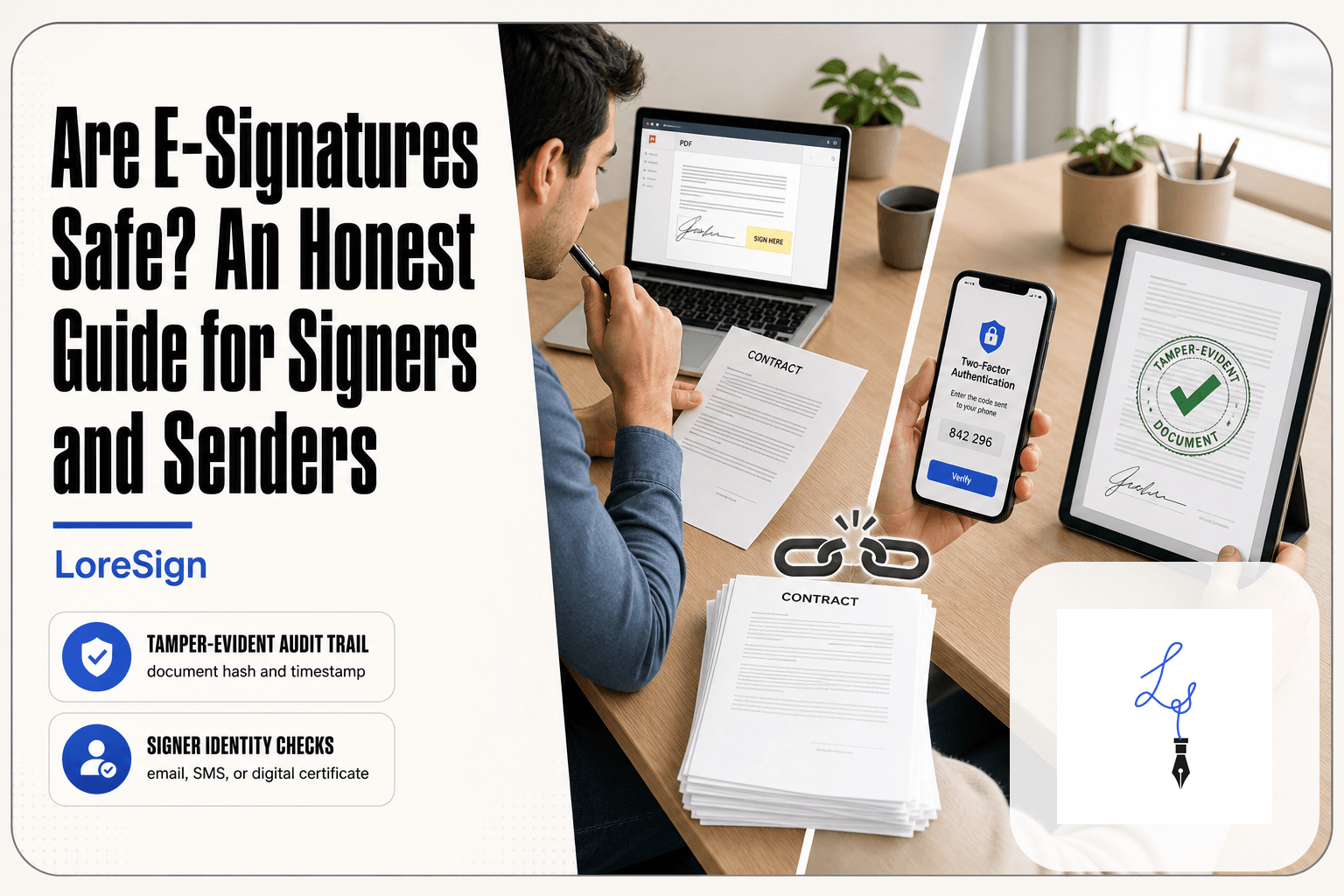
The signer proves identity at the moment of signing, usually through a code sent to their email or phone. The signature is then cryptographically bound to the document. If someone alters the PDF afterwards, the signature shows as invalid.
What you cannot do with AES
Adobe's own guidance is blunt: AES can still be vulnerable to fraud. A stolen phone or a compromised email account lets someone sign as you. And AES isn't automatically legally binding in every jurisdiction. Some countries require QES for specific document types.
When AES is the right choice
Use AES for vendor contracts, client agreements, and anything where you'd want to prove who signed if challenged. It's the sensible default for most business documents. You get signer identity without the cost and friction of QES.
Qualified Electronic Signature (QES): What It Is and When to Use It
QES is the highest legal tier of e-signature. It requires a qualified trust service provider (QTSP) to verify the signer's identity in person or via video, then issue a qualified digital certificate. The signature carries the same legal weight as a handwritten one across the EU under eIDAS.
What makes QES different: qualified trust service providers
A QTSP is a government-accredited body that checks who you are before issuing a signing certificate. That certificate sits on a secure device, often a smart card or hardware token. The signer uses it to sign, and the QTSP confirms the signature is valid.
What you cannot do with QES (or when it's overkill)
QES doesn't make a bad contract good. It proves who signed, not that they read or understood the terms. And for most business documents, it's overkill. You don't need a QTSP for an NDA, a vendor agreement, or an internal sign-off. AES covers those.
When QES is required
Some jurisdictions mandate QES for specific documents: notarized deeds, certain court filings, some employment contracts in regulated industries. Check the rules for your document type and country before paying for QES.
SES vs AES vs QES: How to Choose the Right Type of E-Signature
The choice comes down to one question: how hard would it be to prove who signed if the deal went wrong? Match the signature type to the risk.
If your document is an NDA or internal approval, use SES
A typed name or click-wrap agreement is enough when the signer has little incentive to deny signing. NDAs and internal sign-offs fall here. The document matters, but the identity risk is low. SES keeps the workflow fast.
If your document is a vendor contract or client agreement, use AES
AES links the signature to a specific person through identity checks like email verification or SMS codes. That link matters when money or obligations are on the table. A vendor contract signed with AES gives you an audit trail you can point to if the other side claims they never signed.
If your document is a regulated or high-value transaction, use QES
QES is for documents where the law or the stakes demand the strongest proof: notarized deeds, certain court filings, some regulated employment contracts. You'll need a qualified trust service provider to verify identity first. It's slower and costs more, but it's the only tier that carries the same weight as a handwritten signature in every EU member state.
Quick decision table: document type → e-signature type
| Document type | Use | Why |
|---|---|---|
| NDA, internal approval | SES | Low repudiation risk, speed matters |
| Vendor contract, client agreement | AES | Identity link + audit trail |
| Notarized deed, court filing | QES | Legal mandate, highest proof |
What Are the Four Types of Signatures? (And Why That's Confusing)
The "four types" framing mixes two different things. There are three legal categories: SES, AES, and QES. There are also implementation methods: click-wrap, typed name, scanned signature, and watermark. Count them together and you get four, five, or six depending on the source.
Legal categories vs. implementation methods
Legal categories tell you how much proof a signature carries. Implementation methods are just how the signature gets applied. A typed name is an SES. A scanned signature is also an SES. The method doesn't change the legal tier.
Why some sources list four or five types
Some articles count click-wrap, typed name, scanned signature, and digital certificate as separate types. That's a category error. The first three are all SES. The certificate is a component of AES or QES.
Common Mistakes When Choosing Types of E-Signatures
Most rejected signatures don't fail because the technology broke. They fail because someone picked the wrong tier for the document in front of them.
Assuming SES is always legally binding
An SES can be legally binding. That's not the same as always. If the other party denies signing, you need evidence linking them to the signature. A typed name on a PDF gives you almost none. The signature is easy to repudiate, and in a dispute you're left arguing about who typed it. Use SES for low-stakes documents where nobody expects a fight.
Paying for QES when AES is sufficient
QES costs more because it requires a qualified trust service provider and identity verification. For most contracts, NDAs, and vendor agreements, AES gives you the signer linkage and tamper evidence you actually need. Paying for QES on a standard client agreement is overkill. The honest answer: QES earns its cost only where a law specifically demands it.
Ignoring jurisdiction-specific requirements
eIDAS governs the EU. The ESIGN Act and UETA govern the US. They don't treat every signature type the same way. A QES that satisfies a German court may be unnecessary in California. Before you send, check what the governing law for your document actually requires. The wrong assumption here is the most expensive mistake among all types of e-signatures.
Frequently Asked Questions
What are the three types of electronic signatures?
The three types are Simple Electronic Signatures (SES), Advanced Electronic Signatures (AES), and Qualified Electronic Signatures (QES). SES is the most basic (e.g., typing your name), AES adds identity verification, and QES is the highest standard with a secure signature creation device.
What are the different options for electronic signatures?
Options range from simple typed names or scanned signatures (SES) to more secure methods like biometric verification or digital certificates (AES and QES). Many e-signature tools, including LoreSign, offer multiple options depending on the document's legal needs.
What are the four types of signatures?
The 'four types' misconception usually refers to wet-ink signatures, SES, AES, and QES. However, under eIDAS, only three e-signature types exist; wet-ink is a separate category. Understanding this helps avoid confusion when choosing a method.
What are the three types of signatures?
In the context of e-signatures, the three types are SES, AES, and QES. SES is simple and widely used, AES requires identity verification, and QES is the most secure and legally robust, often used for high-stakes documents.
Is a typed name a legal signature?
Yes, a typed name can be a legal signature as a Simple Electronic Signature (SES) in most jurisdictions. It's valid for many contracts, but for higher-risk documents, you may want an Advanced or Qualified signature to provide stronger evidence of identity and intent.
What is the difference between a digital signature and an electronic signature?
An electronic signature is any mark made electronically to sign a document, while a digital signature is a specific type that uses cryptographic technology to ensure integrity and identity. Digital signatures often underpin AES and QES, offering higher security.
Which e-signature type is best for real estate contracts?
For real estate, an Advanced Electronic Signature (AES) is often recommended because it verifies the signer's identity and provides a stronger audit trail. In some EU countries, a Qualified Electronic Signature (QES) may be required for property transfers—check local laws.
About LoreSign
LoreSign helps For people looking to get documents and contracts signed. get this right. Track every signer and receive the completed document automatically. Whether you are working through types of e-signatures or something adjacent, we publish what we have actually tested, including where it falls short.