E-Signature Without Creating an Account Using LoreSign
E-signature without creating an account is what most people actually want when they open a PDF that needs signing. You're a busy professional, you've got one document to sign, and the last thing you need is another password to remember. Most tools make the sender create an account, then force the signer through a signup wall too. That's friction nobody asked for. LoreSign removes it on the signer side: you receive a link, you open it, you sign, you're done. No account, no email confirmation loop, no "verify your identity" detour.
The honest answer is that account-free signing isn't the whole story. It works well for the person signing, but it has real limits for the person sending. This guide covers how the flow works from both sides, what you can't do without an account, whether the signature holds up legally, and how LoreSign compares to DocuSign and Signeasy for this specific use case.
| At a glance | Details |
|---|---|
| Signer account | Not required |
| Sender account | Required |
| Document management | Sender only |
| Audit trail access | Sender only |
| Signature editing | Before sending |
| Free plan | Available |
In This Guide
- What Does "E-Signature Without Creating an Account" Actually Mean?
- Account-Free Signing: LoreSign vs. DocuSign vs. Google
- How LoreSign's Account-Free Signing Works
- E-signature Without Creating An Account: A Step-by-Step Guide
- What You Cannot Do Without an Account
- Is an E-Signature Without an Account Legally Valid?
- Account-Free E-Signature: LoreSign vs. Alternatives
- Common Use Cases for Account-Free E-Signing
- Tips for a Smooth Account-Free Signing Experience
- Final Thoughts on E-Signature Without Creating an Account
What Does "E-Signature Without Creating an Account" Actually Mean?
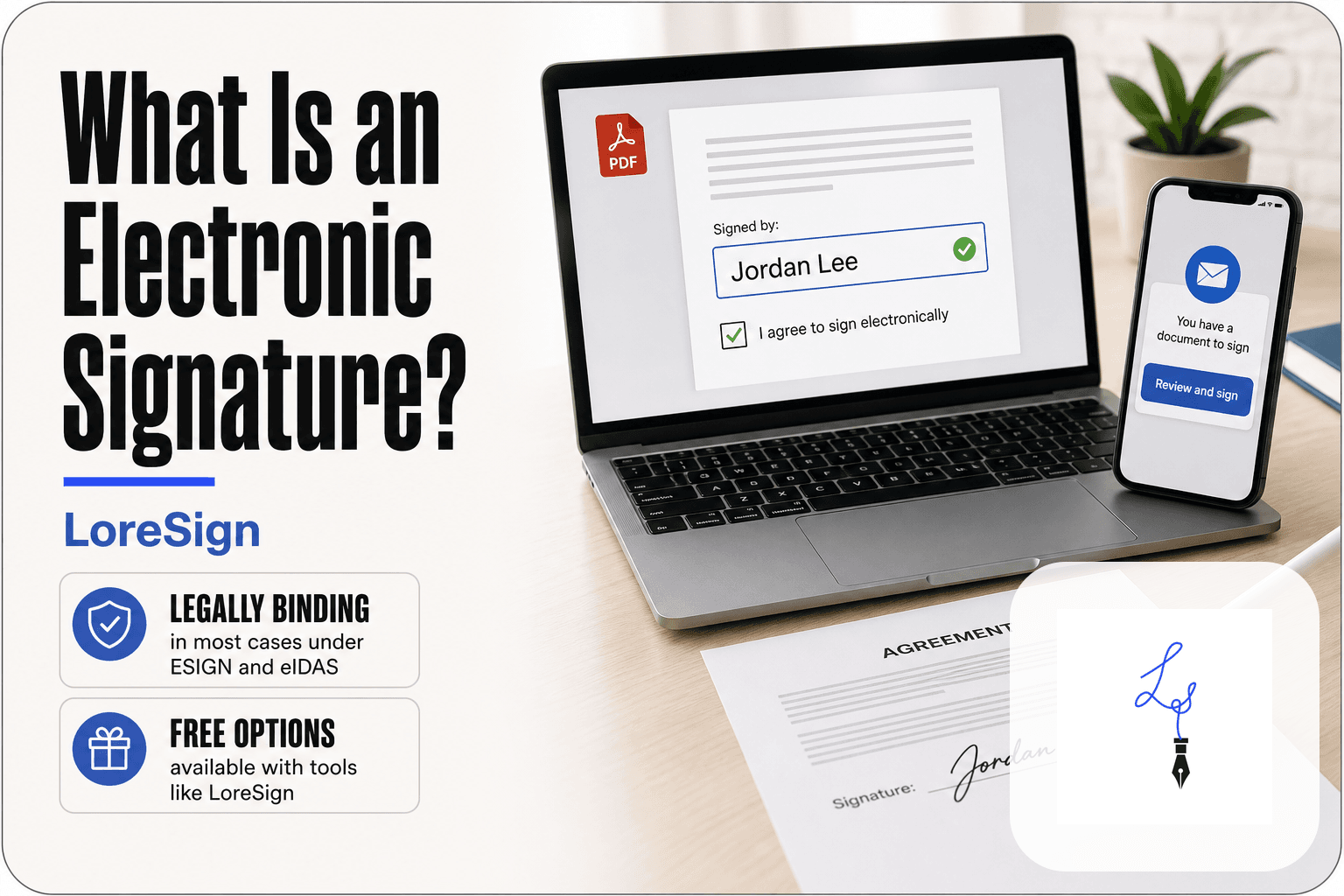
An e-signature without creating an account means the person signing a document never registers, sets a password, or logs in. They open a link, sign, and close the tab. Done.
The difference between sender and signer accounts
The sender and the signer have different jobs. The sender uploads the document, places the signature fields, and tracks who has signed. That job needs an account. The signer just has to mark their name and approve. That job doesn't.
What "account-free" means in practice
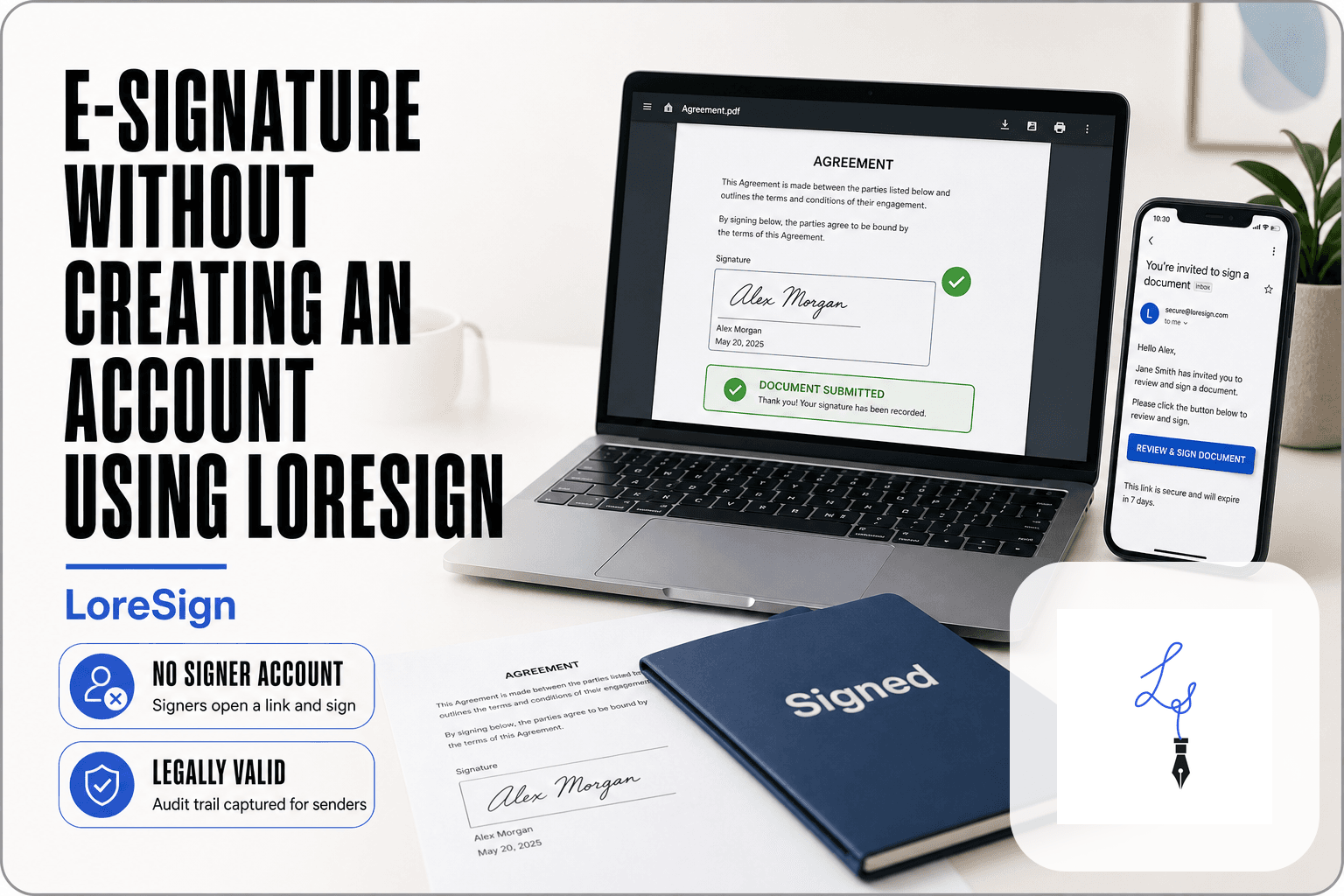
You get an email with a link. You click it. The document opens in your browser. You type or draw your signature, hit submit, and you're finished. No username. No password. No confirmation email to verify. The signed copy returns to the sender automatically.
Why tools offer account-free signing
Because signers won't do it otherwise. Forcing someone to create an account to sign one NDA or offer letter adds friction that kills deals. Senders know this. The signer skips the signup. The sender still carries the account burden, and that's the tradeoff.
With LoreSign, signers do not need an account, but senders must have one to upload and send documents. Signers cannot edit their signature after signing, and audit trail access is available only to the sender.
Account-Free Signing: LoreSign vs. DocuSign vs. Google
| Factor | LoreSign | DocuSign |
|---|---|---|
| Signer account required? | No | No |
| Sender account required? | Yes | Yes |
| Free option for senders? | Yes | Trial only |
| Audit trail for signers? | No | No |
| Signature editing after send? | No | No |
How LoreSign's Account-Free Signing Works
The flow splits into two halves: what the sender does before the signer ever sees the document, and what the signer does in the 60 seconds after opening the link. Both sides matter, but the signer's side is the one that makes or breaks the experience.
For senders: Uploading and sending a document
Step 1: You start with a PDF. Upload it to LoreSign,
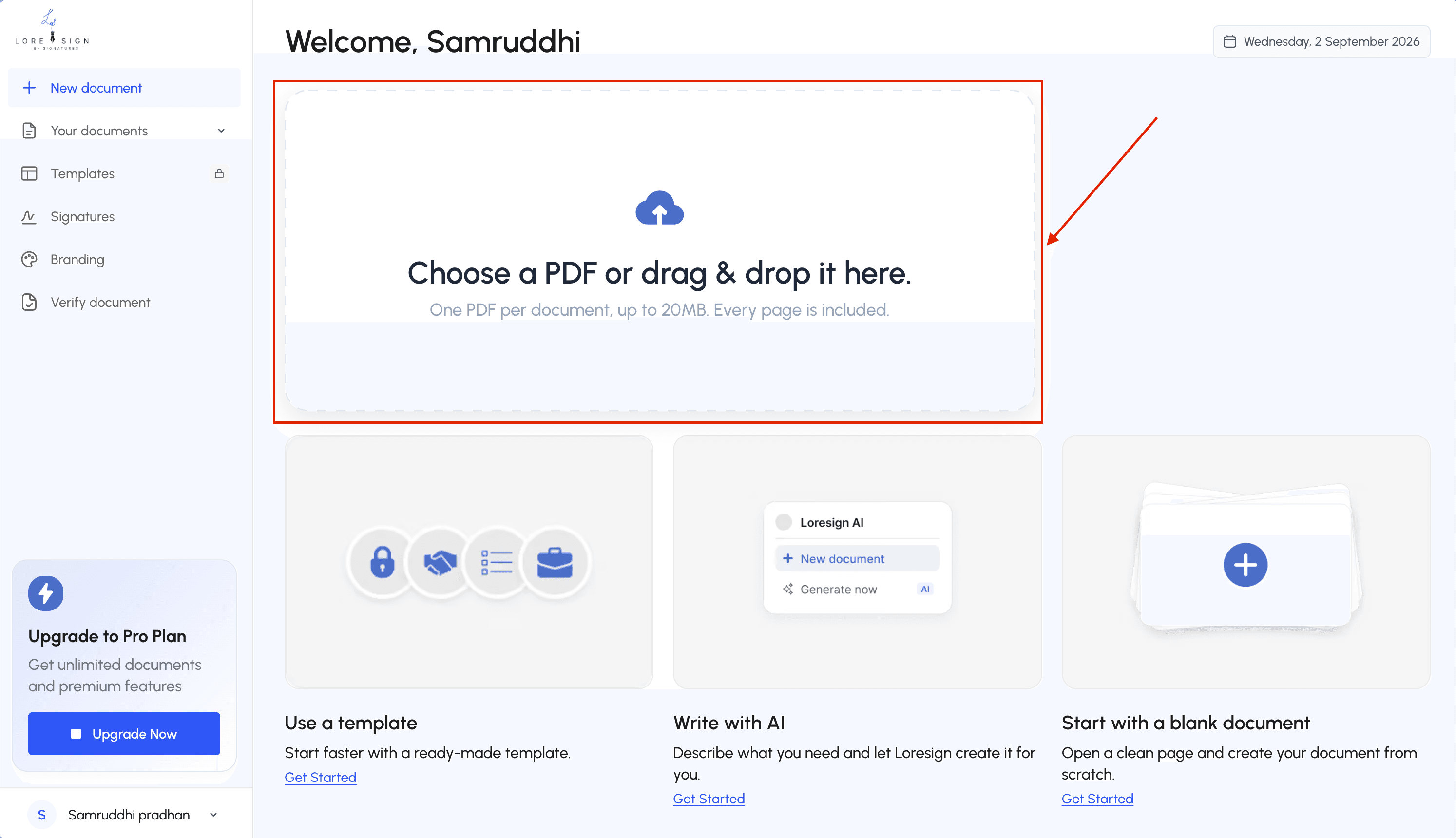
Step 2: then drag signature fields, date fields, and text boxes onto the page wherever you need them.
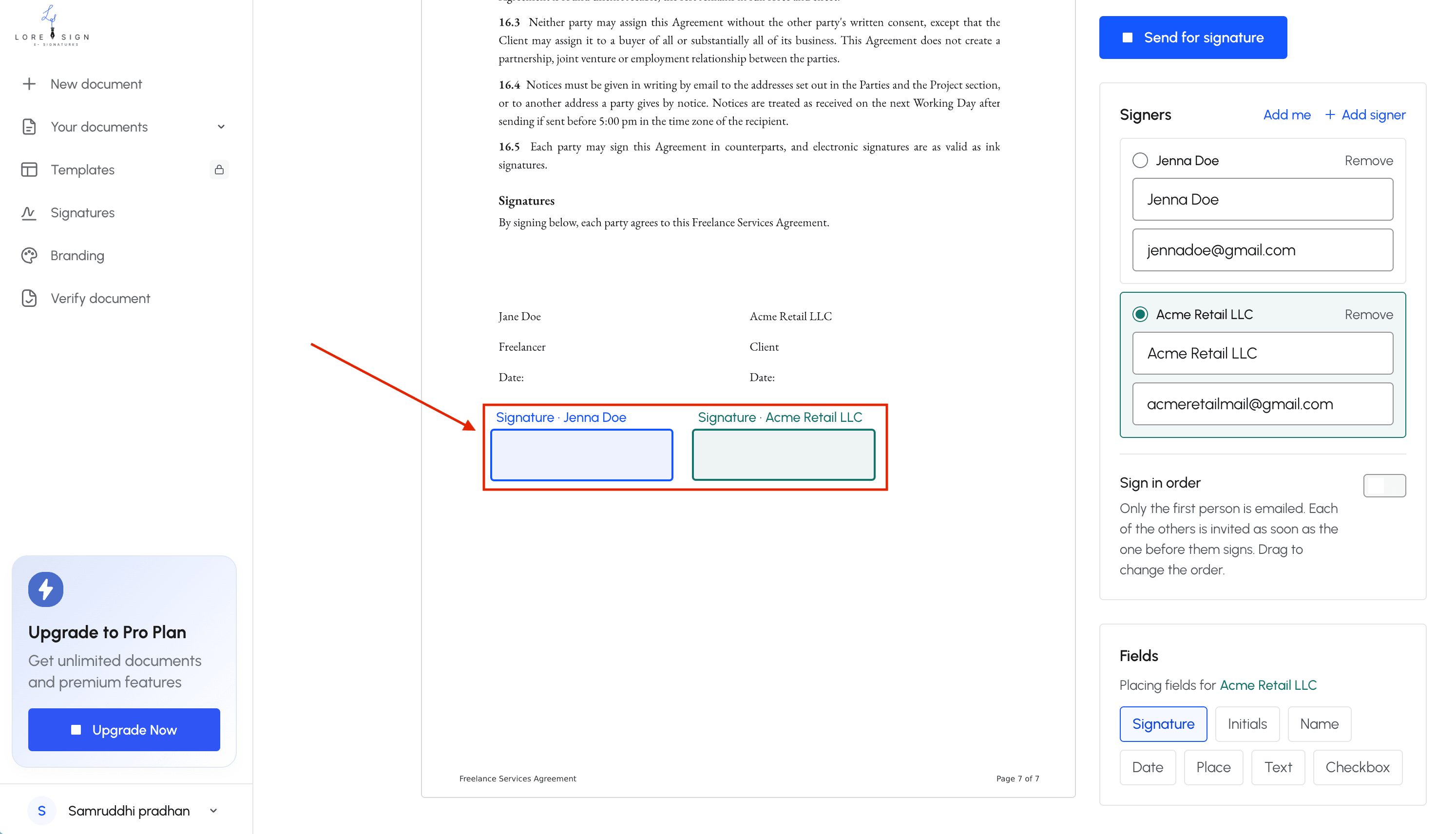
Add the signer's email address, set the signing order if there's more than one person, and hit send.
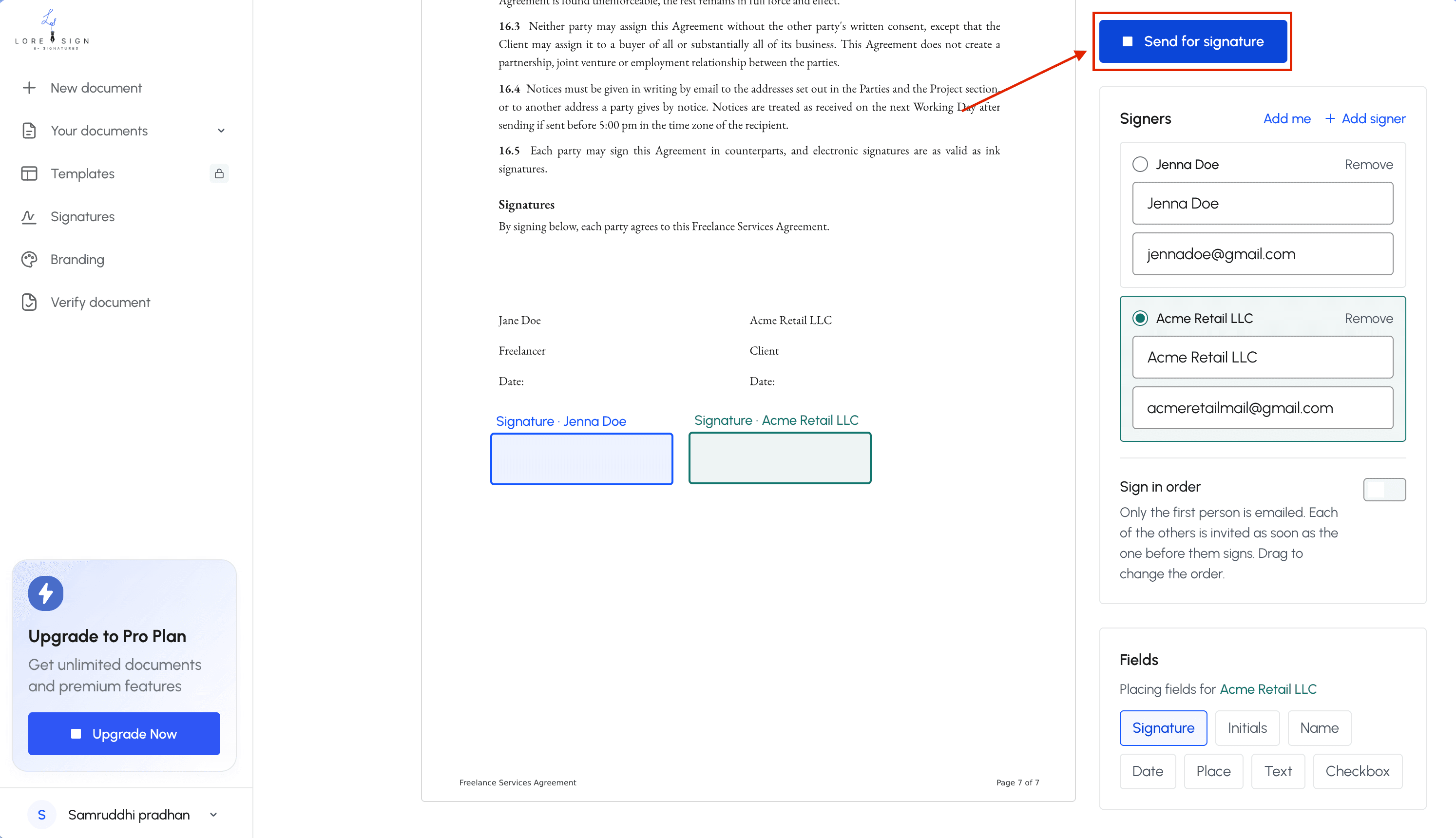
LoreSign generates one secure link and emails it to the signer. That's the whole sender workflow.
No printing, no scanning, no chasing a wet signature.
For signers: Opening, signing, and returning without an account
The signer gets an email with a link. Clicking it opens the document in a browser. No signup screen, no password prompt, no "create your free account to continue" wall. The signer types or draws their signature in the field you placed, adds a date if you asked for one, and clicks submit. The completed PDF returns to you automatically. The signer never touches a settings page.
What the signer sees (and doesn't see)
The signer sees the document, the fields you placed, and a submit button. That's it. They don't see your other documents, your account details, or any LoreSign branding beyond what's on the signing page itself. They don't get a dashboard. They don't get a document history. They don't get access to the audit trail. Those things live on the sender's side, and that's the honest tradeoff: the signer gets zero friction, and the sender keeps all the records.
If you're a sender, use LoreSign's automated reminders to nudge signers without manual follow-up, and always double-check the document before sending — signers can't make changes once it's out.
E-signature Without Creating An Account: A Step-by-Step Guide
- Open the secure link from the email invitation.
- Review the document and any highlighted fields.
- Click to add your signature (draw, type, or upload).
- Add your name and other required details.
- Click 'Sign' to apply your signature.
- Receive a copy of the signed PDF automatically.
What You Cannot Do Without an Account
The signer's side is friction-free by design. That comes with real limits. If you sign without an account, you're completing a transaction, not opening a workspace. Nothing carries over.
No document history or management
Once you submit, the document is gone from your view. You can't log back in to see what you signed, download a copy later, or track where it went. The sender holds the completed PDF. If you want your own record, save it before you close the tab.
No audit trail access for signers
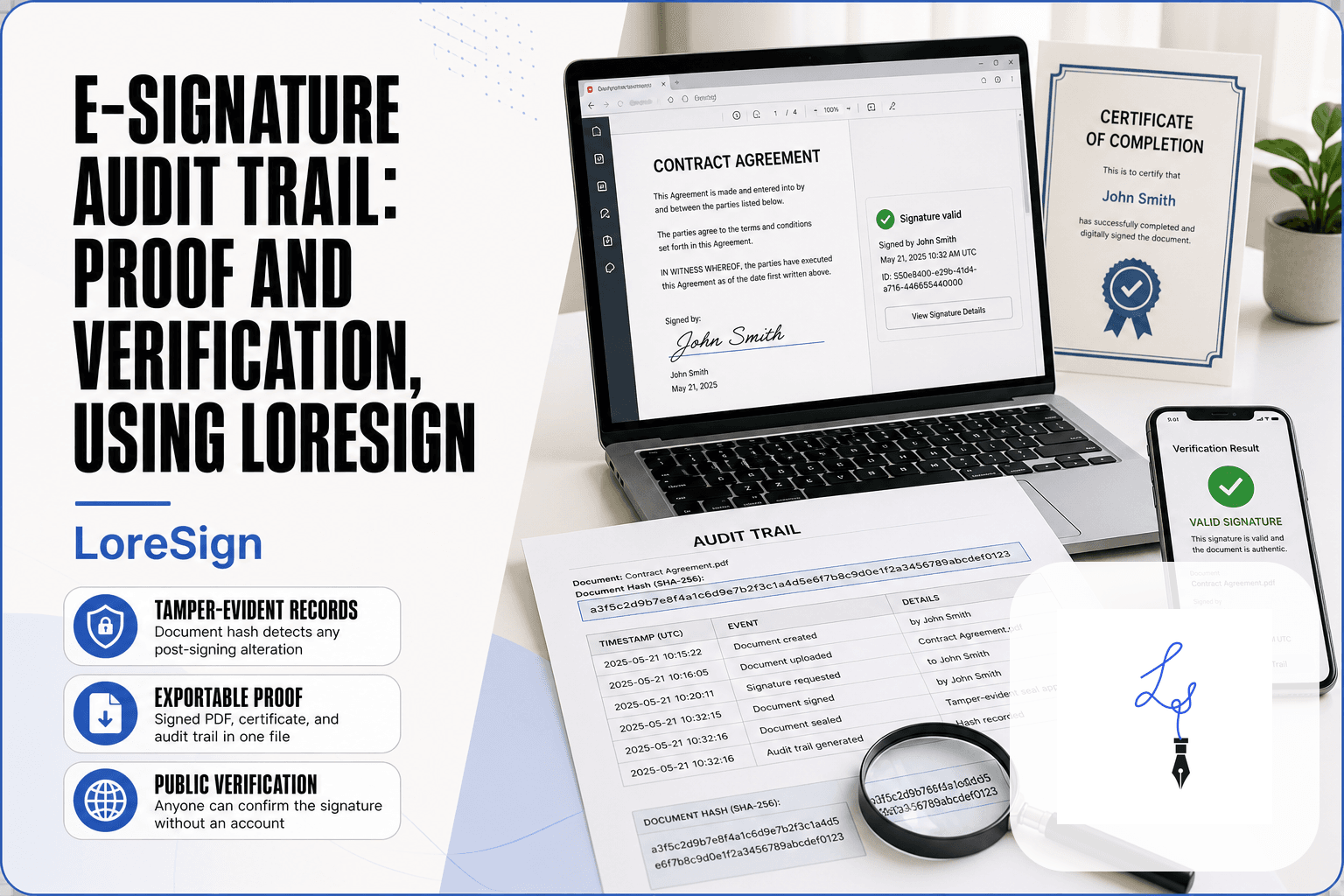
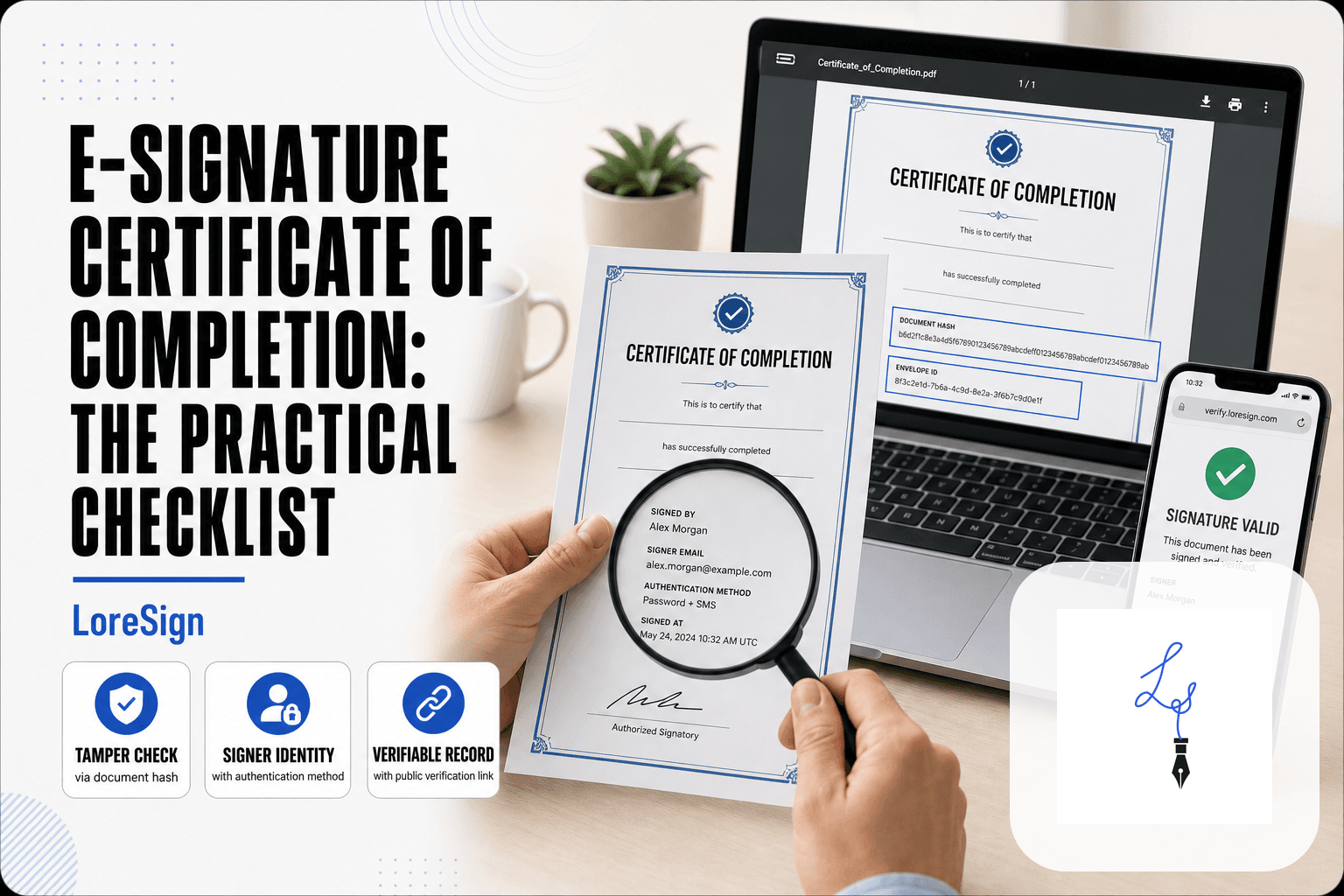
The certificate of completion and audit trail exist, but they belong to the sender. A signer without an account can't pull up timestamps, IP addresses, or the signing sequence. You're trusting the sender to keep those records.
No signature editing after sending
Your signature is locked the moment you hit submit. No account means no way to reopen the document and fix a typo in your name or redraw a sloppy signature. You'd need the sender to void and resend.
No template saving or reuse
Templates are a sender feature. A signer can't save a frequently used signature, initials, or date format for next time. Every account-free signing starts from scratch.
Is an E-Signature Without an Account Legally Valid?
Yes. The legal weight comes from the process, not the login. An account is a convenience feature. What matters is consent, intent, and a reliable record of both.
ESIGN Act and UETA basics
Two US laws govern this. The ESIGN Act (2000) and UETA (adopted by 47 states) both say an electronic signature can't be denied legal effect just because it's electronic. The signer must consent to doing business electronically and show clear intent to sign. Neither law mentions accounts.
How account-free signatures remain legally binding
LoreSign captures intent the same way for every signer. You see the document, you place your signature, you click to submit. Behind the scenes, the system records the email address, IP address, and timestamp for each action. That audit trail attaches to the completed PDF. The signer never sees it, but it exists and the sender can produce it if challenged.
What to look for in a compliant tool
Three things matter. First, the tool must record consent before signing. Second, it must keep an unbroken chain of evidence: who opened, who signed, when, from where. Third, it must deliver a tamper-evident PDF. LoreSign does all three. If a tool can't show you the audit trail, walk away.
Account-Free E-Signature: LoreSign vs. Alternatives
Most tools let signers skip account creation. The real difference is what the sender gets, and what the signer gives up.
LoreSign vs. DocuSign for account-free signing
DocuSign signers don't need an account. They click the link, sign, and move on. But DocuSign's free tier is limited to three sends total, then you pay. LoreSign's free plan includes three templates and lets you send documents without that hard cap on sends (verify at publish). For a one-off signature, both work. For repeated sending without paying, LoreSign is the better fit.
LoreSign vs. Signeasy for account-free signing
Signeasy also lets signers skip signup. Its free plan is tight: limited documents per month, and the sender needs an account from the start. LoreSign's sender flow is simpler for first-timers. You upload, place fields, send. No onboarding wizard. The catch: Signeasy has stronger mobile apps and more integrations. If you sign mostly on a phone, Signeasy wins. If you send from a laptop and want the fewest steps, LoreSign does.
Which tool is best for your use case?
It depends on volume and device. One document, any tool works. Repeated sends without paying: LoreSign. Heavy mobile use: Signeasy. Enterprise compliance needs: DocuSign.
Common Use Cases for Account-Free E-Signing
Account-free signing works best when the signer is a one-time participant. They don't need document history. They just need to sign and move on.
Contracts and agreements
A client sends you a contract. You open the link, review the terms, sign, done. No account means no password reset, no confirmation email, no friction between you and a signed agreement.
NDAs and confidentiality forms
NDAs are often the first document in a relationship. The signer hasn't committed to anything yet. Forcing account creation at that stage adds a reason to walk away. Account-free signing keeps the moment low-stakes.
Offer letters and HR documents
Candidates sign offer letters once. They won't return to the platform. An account is dead weight. The sender gets the signed PDF back automatically, and the candidate never thinks about the tool again.
Freelance and client work
Freelancers send proposals, statements of work, and invoices. Clients sign from a phone between meetings. The fewer steps, the faster the project starts. Account-free signing removes the most common stall point.
Tips for a Smooth Account-Free Signing Experience
Most failed signings aren't a tool problem. They're a preparation problem. Here's what actually causes delays.
Verify the signer's email before sending
A typo in the email address sends your document into the void. You wait. They never receive it. Check the address twice, or paste it from the source rather than typing it. If the signer is on a phone, confirm they can open the link before you send anything else.
Prepare documents for clean signing
Signing fields placed over existing text cause errors. Leave clear white space where signatures and dates go. Make sure the PDF isn't password-protected or locked for editing. Test the document yourself before sending it to someone who won't have your patience.
Communicate expectations clearly
Tell the signer what's coming before the email arrives. One sentence: "You'll get a link from LoreSign, open it, sign, and you're done. No account needed." That single line prevents the most common stall: the signer assuming they'll need to register and putting it off.
Automated reminders handle the follow-up. Your job is the first message.
Final Thoughts on E-Signature Without Creating an Account
The honest answer is that account-free signing solves one problem: getting a signature from someone who won't create an account. It doesn't solve document management, and it doesn't give signers a dashboard.
LoreSign handles the signer side without friction. You upload the PDF, place the fields, send one link. The signer opens it, signs, and the completed document comes back to you automatically. No account for them. No chasing.
For the sender, you'll still need an account. That's where your templates, reminders, and audit trail live. But the person signing doesn't carry any of that weight.
If you send documents regularly, the account is worth it. If you sign occasionally, you'll never hit a signup wall with LoreSign. That's the tradeoff, and it's a fair one.
Frequently Asked Questions
How to generate an eSignature for free?
You can generate an eSignature for free using tools like LoreSign's free plan, which lets you upload a PDF, place signature fields, and send a secure link. Signers can then draw, type, or upload their signature without paying anything.
Does LoreSign require signers to create an account?
No, LoreSign does not require signers to create an account. They can sign documents via a secure link without any registration, making the process quick and frictionless.
What can't I do as a signer without an account in LoreSign?
As a signer without an account, you cannot manage documents, access the audit trail, or edit your signature after signing. These features are reserved for the sender with an account.
How does LoreSign compare to Google's free e-signature tools?
Google offers basic e-signature options through Google Docs, but they lack advanced features like audit trails and automated reminders. LoreSign provides a more robust solution with templates and secure tracking, even on its free plan.
About LoreSign
LoreSign helps For people looking to get documents and contracts signed. get this right. Track every signer and receive the completed document automatically. Whether you are working through E-Signature Without Creating an Account- using loresign or something adjacent, we publish what we have actually tested, including where it falls short.