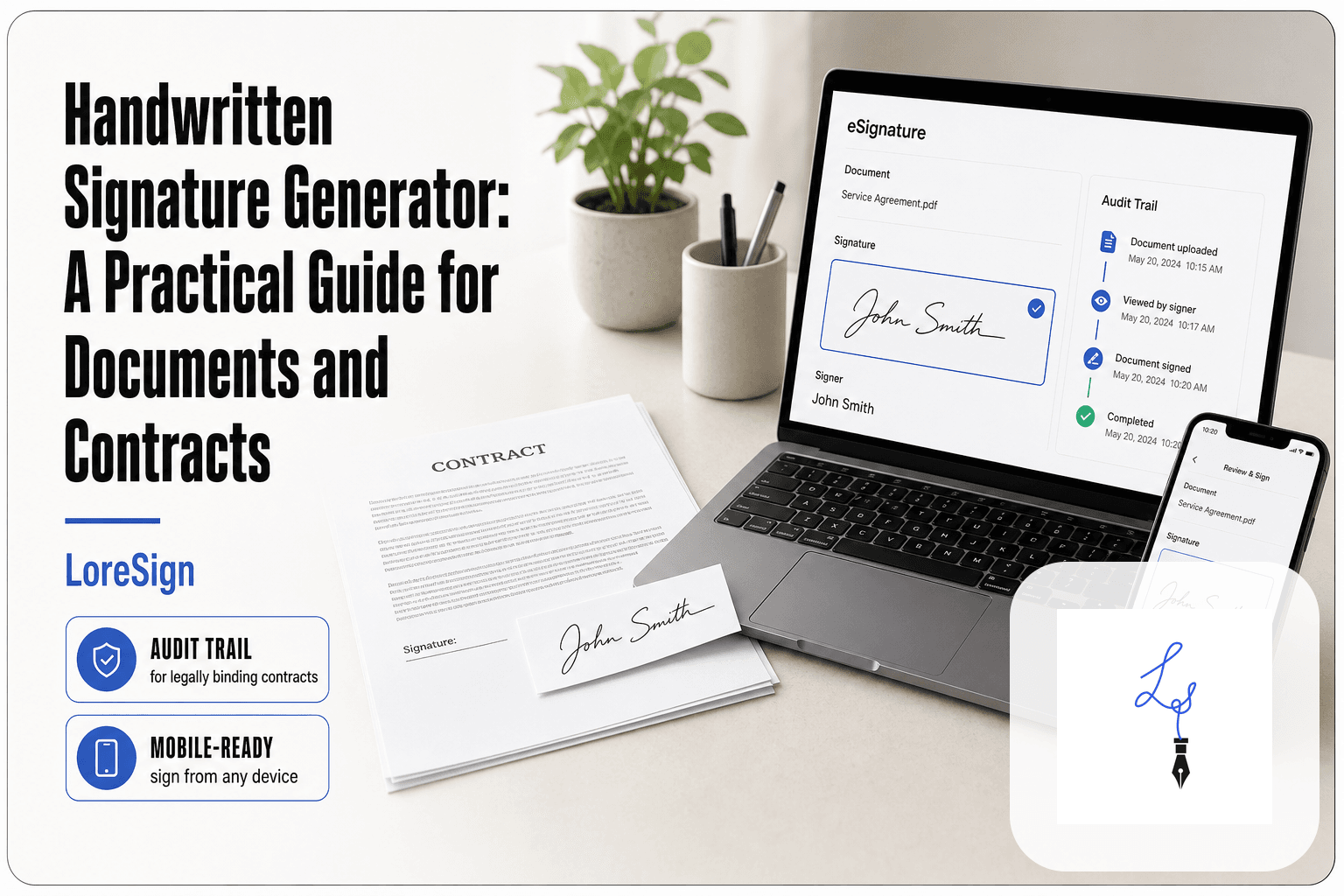
Handwritten Signature Generator: A Practical Guide for Documents and Contracts
You need a handwritten signature generator because there's a contract on your desk, a PDF in your inbox, or a form on your phone, and you don't want to print, sign, scan, and send. Fair enough. The free tools are tempting: type your name, pick a cursive font, download a PNG, paste it into the document. Done in thirty seconds.
But here's the question most tool pages skip: is that pasted image actually a signature for legal purposes? The honest answer is it depends. It depends on what you're signing, who's enforcing it, and whether anyone might challenge it later. This guide covers what a handwritten signature generator can and can't do for contracts, when a free tool is enough, when you need a real eSignature platform like LoreSign instead, and how to make the call without guessing.
| At a glance | Details |
|---|---|
| What it is | Tool that creates a handwritten-style signature image |
| Best for | Forms, letters, casual documents |
| Not for | Legally binding contracts without eSignature compliance |
| Output formats | PNG, JPG, SVG, or copy-paste |
| Mobile support | Most generators work in mobile browsers |
| Legal validity | Depends on jurisdiction and document type |
In This Guide
- What Is a Handwritten Signature Generator?
- Handwritten Signature Generator vs eSignature Platform: Which Do You Need?
- Handwritten Signature Generator vs. eSignature Platform: Key Differences
- Handwritten Signature Generator: A Step-by-Step Guide
- Is a Generated Handwritten Signature Legal for Contracts?
- When a Free Handwritten Signature Generator Is Enough
- When You Need a Real eSignature Platform Instead
- How to Use a Handwritten Signature Generator on Mobile
- Common Mistakes When Using a Handwritten Signature Generator
- How to Choose the Right Signature Tool for Your Needs
What Is a Handwritten Signature Generator?
A handwritten signature generator converts typed text into a signature-style image you can paste into documents. It's a quick way to get a signature that looks hand-drawn without printing, signing, and scanning.
How the tool works in 30 seconds
You type your name, pick a font that mimics handwriting, and download a PNG. That's it. The output is an image, not a signature.
Generated signature image vs. electronic signature
A generated image is just pixels. An electronic signature is a legal act: you consent to sign, the platform records when and where, and it ties the signature to the document. One looks like a signature. The other is one.
[!note] A handwritten signature generator creates an image, not a legally binding signature. For contracts, you need an eSignature platform that complies with laws like ESIGN, UETA, or eIDAS, which require signer authentication and an audit trail.
Handwritten Signature Generator vs eSignature Platform: Which Do You Need?
| Factor | Handwritten Signature Generator | eSignature Platform (e.g., LoreSign) |
|---|---|---|
| Legal bindingness | Often not legally binding for contracts; may be rejected | Designed for legally binding eSignatures with audit trails |
| Signer tracking | None; you just get an image | Tracks every signer and notifies you when signed |
| Document workflow | Manual: download, insert, send back | Upload PDF, place fields, send one secure link |
| Audit trail | Not available | Certificate of completion + audit trail |
| Best use case | Personal forms, letters, casual documents | Contracts, agreements, any document needing proof of signing |
Handwritten Signature Generator vs. eSignature Platform: Key Differences
The core difference is simple: a generator makes a picture. An eSignature platform makes a record.
What a generator gives you: an image
You type your name, pick a font, download a PNG. Paste it into a PDF or Word doc and it looks signed. That's the whole product. No timestamp, no identity check, no link between the image and the document it sits on. If someone copies the image and pastes it onto another contract, you'd never know.
What an eSignature platform gives you: legal validity and audit trail
A platform like LoreSign records the moment you sign: who signed, when, from what device, and what document they saw. It ties the signature to the file so it can't be lifted and reused. You get a certificate of completion and a public verification page. That's the difference between a signature that looks real and one that holds up if the contract is disputed.
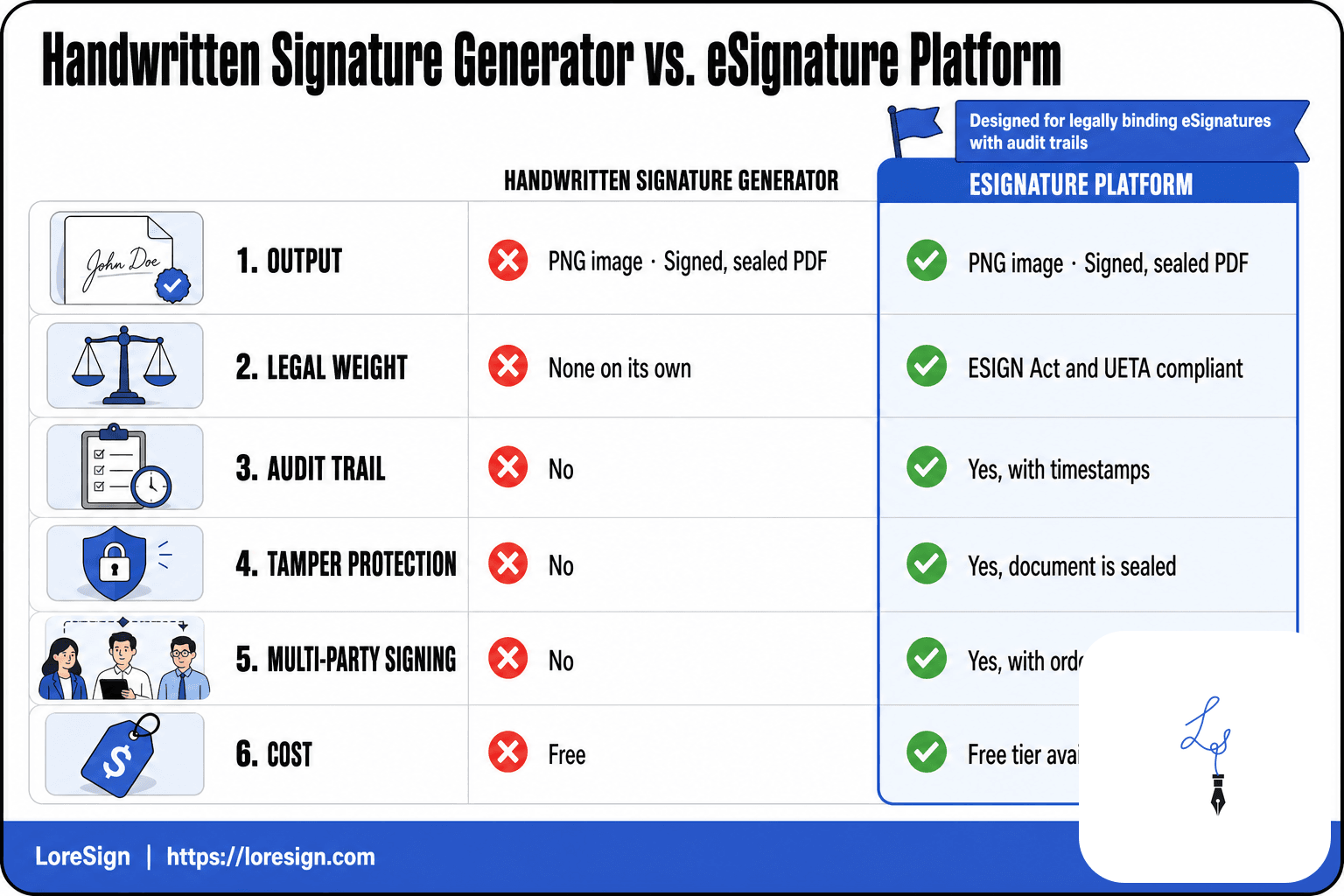
Side-by-side comparison table
| Generator | eSignature platform | |
|---|---|---|
| Output | PNG image | Signed, sealed PDF |
| Legal weight | None on its own | ESIGN Act and UETA compliant |
| Audit trail | No | Yes, with timestamps |
| Tamper protection | No | Yes, document is sealed |
| Multi-party signing | No | Yes, with ordered routing |
| Cost | Free | Free tier available |
The honest answer: if you need a signature for a contract that matters, the image isn't enough.
[!tip] If you're signing on a phone or tablet, use a generator that supports touch or stylus input and saves as a transparent PNG. For contracts, skip the generator and use an eSignature platform like LoreSign—it works in mobile browsers, tracks signers, and delivers the completed PDF automatically.
Handwritten Signature Generator: A Step-by-Step Guide
- Choose a generator that matches your need (free tool for casual use, eSignature platform for contracts).
- Type your name or draw your signature using mouse, finger, or stylus.
- Adjust style, thickness, and slant until it looks natural.
- Download the signature as a transparent PNG (or copy it).
- Insert the signature into your document using a PDF editor or word processor.
- For contracts, use an eSignature platform to place fields and send a secure signing link.
- Save a copy of the signed document and any audit certificate for your records.
Is a Generated Handwritten Signature Legal for Contracts?
The honest answer: it depends on what you're signing and who might challenge it. A pasted signature image can be accepted in casual settings. It won't carry the legal weight of an eSignature under the ESIGN Act and UETA.
What the ESIGN Act and UETA require
These laws say an electronic signature is valid if it shows intent to sign and is attached to the record. A typed name, a click, a drawn signature all qualify. The catch: the signature must be linked to the document and the signer must consent to doing business electronically. A PNG you paste into a PDF has no such link. Nothing ties it to you or to that file.
When a pasted signature image might be rejected
If a contract is disputed, the other party can claim they never signed it. You'd have no timestamp, no IP log, no record of what they saw. Courts and regulators often want that evidence. Regulated industries (verify at publish) may reject pasted images outright.
What LoreSign does differently for legal validity
LoreSign ties the signature to the document, records who signed and when, and produces a certificate of completion plus a public verification page. That's the record a pasted image can't give you.
When a Free Handwritten Signature Generator Is Enough
A generated signature image isn't worthless. It's just not a legal instrument. For plenty of documents, that's fine.
Personal and informal documents
Permission slips, gym waivers, roommate agreements, a note to your kid's teacher. Nobody will ever challenge these in court. A pasted signature image saves you the print-sign-scan loop and looks better than a typed name. Use it and move on.
Internal business approvals
Expense reports, internal memos, design approvals, HR forms that don't create legal obligations. Your company already knows who you are. The signature is a formality, not evidence. A generated image works.
Documents where a wet signature isn't required
Some forms just need a mark. Library card applications, school field trip forms, non-binding letters of intent. If the document doesn't create a legal obligation and nobody will dispute it later, a free generator is enough.
The line is simple: if you'd be fine with the other person denying they signed it, a pasted image works. If that denial would cost you money, you need an eSignature platform.
When You Need a Real eSignature Platform Instead
A pasted signature image falls apart the moment someone disputes it. If the document creates a legal obligation, you need more than a picture.
Legally binding contracts and agreements
Client contracts, employment agreements, leases, NDAs. These documents can end up in court. A pasted image gives you no proof of who signed, when they signed, or what they agreed to. Under the ESIGN Act and UETA, a valid electronic signature requires consent, intent, and an associated record. A PNG pasted into a Word doc has none of that.
Documents requiring an audit trail
Regulated industries need evidence. Healthcare, finance, real estate. If a regulator asks who signed and when, you need a timestamped record tied to the signer's identity. A generated image leaves no trail at all.
Multi-party signing workflows
Three signers on one contract. A pasted image means emailing the file around, hoping everyone pastes their signature in the right place, and chasing people who forget. That's a workflow problem, not just a signature problem.
How LoreSign handles these scenarios
LoreSign uploads your PDF, places signing fields, and sends one secure link. Each signer gets tracked, reminders go out automatically, and the completed document arrives once everyone's signed. You get a certificate of completion and an audit trail showing who signed and when. The signature isn't an image pasted on top. It's an electronic record tied to the document.
How to Use a Handwritten Signature Generator on Mobile
Most signature generators are built for desktop browsers. On a phone, the workflow changes and so do the limitations.
Creating a signature on iPhone or Android
Open the generator in your mobile browser. Type your name, pick a font that looks handwritten, and download the image. On iPhone, you can also use the built-in Markup tool in Photos or Files to draw a signature with your finger. Android has no native equivalent, so you'll need a third-party app or a web tool.
Adding your signature to a PDF or document on mobile
Once you have the signature image, open the PDF in your phone's file viewer. Most mobile PDF apps let you insert an image and resize it. The catch: precise placement is harder on a small screen. Don't expect pixel-perfect alignment.
Mobile limitations to watch for
Low-resolution images look worse on high-DPI phone screens. A signature that looks fine on desktop can appear blurry when pasted into a mobile document. Also, many free generators don't save your signature, so you'll recreate it each time. For contracts, skip the image entirely and use a mobile eSignature platform that tracks signers and delivers the completed PDF automatically.
Common Mistakes When Using a Handwritten Signature Generator
Most mistakes come from treating a generated image like a real signature. It isn't.
Assuming a pasted image is legally binding
A signature image pasted into a PDF is just pixels. It carries no timestamp, no signer identity, no record of consent. Under the ESIGN Act and UETA, an electronic signature needs to show intent to sign and be attached to the record. A pasted image might show intent in casual settings, but if the other party disputes it, you have nothing to prove who signed or when.
Using a low-resolution or inconsistent signature
Download a signature at 72 DPI and it'll look fine on screen, then blur when printed or zoomed. Inconsistent sizing across documents reads as sloppy. Pick one generator, one font, one size. Recreate it the same way every time.
Ignoring document format requirements
Some PDFs lock image insertion. Some Word documents compress pasted images. Check the format before you commit.
How to Choose the Right Signature Tool for Your Needs
The choice comes down to one question: what happens if this signature gets challenged?
Decision checklist: generator vs. eSignature platform
Use a free handwritten signature generator when the document is informal, the stakes are low, and nobody will ever ask you to prove who signed it. Personal letters, internal approvals, a permission slip. That's it.
Use an eSignature platform when the document carries legal weight. Contracts, agreements, anything with money or liability attached. You need an audit trail, signer identity, and a timestamp. A pasted image gives you none of that.
Why LoreSign bridges the gap
LoreSign gives you the handwritten look without the legal gap. Upload any PDF, place the signing fields, and send one secure link. Track every signer and receive the completed document automatically. The audit trail and certificate of completion sit behind every signature, so you're not pasting pixels and hoping.
Getting started with LoreSign
Start with a template or upload your own document. Place the signature fields, add signers in order if routing matters, and send. Automated reminders chase unsigned documents for you. The completed PDF lands back in your inbox once everyone's signed. For contracts that matter, a handwritten signature generator isn't the tool. LoreSign is.
Frequently Asked Questions
Is a handwritten signature generator legally valid for contracts?
Generally, no. A generated signature image lacks the signer authentication and audit trail required by eSignature laws like ESIGN, UETA, or eIDAS. For binding contracts, use a dedicated eSignature platform.
Can I use a handwritten signature generator for free?
Yes, many free generators exist online. They let you type or draw a signature and download it as an image. However, free tools rarely provide legal compliance or signer tracking for contracts.
How do I create a handwritten signature for my name?
Use a generator: type your name, choose a handwriting font or draw it with your mouse or finger, then adjust the style. Download the result as a transparent PNG for use in documents.
What's the difference between a signature generator and an eSignature platform?
A generator creates a static signature image. An eSignature platform like LoreSign manages the entire signing process: uploading documents, placing fields, sending secure links, tracking signers, and providing a certificate of completion.
Can I sign documents on my phone with a handwritten signature generator?
Yes, most generators work in mobile browsers and support touch input. For contracts, use a mobile-friendly eSignature platform that lets you sign and send documents securely from your phone.
Do I need an AI signature generator?
AI generators can create more natural-looking signatures by analyzing your handwriting style. They're useful for aesthetics, but they don't add legal validity. For contracts, legal compliance matters more than appearance.
How do I copy and paste a handwritten signature into a PDF?
Generate the signature, download it as a transparent PNG, then use a PDF editor to insert the image. Alternatively, use an eSignature platform that lets you place the signature directly without manual editing.
About LoreSign
LoreSign helps For people looking to get documents and contracts signed. get this right. Track every signer and receive the completed document automatically. Whether you are working through handwritten signature generator or something adjacent, we publish what we have actually tested, including where it falls short.