Citrix ShareFile E-Signatures: What They Are, How They Work, and What They Can't Do
Citrix ShareFile e-signatures sound straightforward until you go looking for clear guidance and find vendor pages, thin documentation, and a rebranding mess instead. ShareFile is now owned by Progress Software, RightSignature has been folded into ShareFile, and most search results either sell you the platform or skip the details you actually need. This guide doesn't. It explains what Citrix ShareFile e-signatures are, walks you through sending a document step-by-step, covers what you'll really pay, and states plainly what the feature cannot do. If you only need to get documents signed and don't want full document management, a simpler tool like LoreSign may be the better fit. Here's what you'll get: the exact workflow, honest pricing, a breakdown of limitations, and a comparison with DocuSign, HelloSign, and LoreSign so you can decide without wading through marketing fluff.
| At a glance | Details |
|---|---|
| What it is | E-signatures built into ShareFile |
| Owner | Progress Software, not Citrix |
| Core engine | Powered by RightSignature |
| Best for | Teams already using ShareFile |
| Main limitation | Tied to ShareFile subscription |
| Standalone option | LoreSign for signatures only |
In This Guide
- What Are Citrix ShareFile E-Signatures?
- ShareFile E-Signatures vs Standalone E-Signature Tools
- Digital Signature vs. E-Signature: What's the Difference in ShareFile?
- Citrix Sharefile E Signatures: A Step-by-Step Guide
- How to Enable and Use Citrix ShareFile E-Signatures Step-by-Step
- Citrix ShareFile E-Signature Pricing: What You'll Actually Pay
- What Citrix ShareFile E-Signatures Cannot Do
- Citrix ShareFile E-Signatures vs. Alternatives: DocuSign, HelloSign, and LoreSign
- Who Should Use Citrix ShareFile E-Signatures?
What Are Citrix ShareFile E-Signatures?
Citrix ShareFile e-signatures are a built-in electronic signature feature inside ShareFile's document management platform, not a standalone product. You upload a document, place signature fields, and send a request. Signers click a link and sign from any browser.
The Citrix to Progress rebranding explained
ShareFile was a Citrix product for years. In 2024, Progress Software acquired the ShareFile business from Citrix. The product still works the same way. Your login, your files, and your e-signature workflows didn't change. The name on the invoice did.
What happened to RightSignature?
RightSignature was a standalone e-signature tool Citrix bought in 2014. It no longer exists as a separate product. Its signing engine now powers the e-signature feature inside ShareFile. If you search for RightSignature, you'll land on ShareFile pages. Same technology, different wrapper.
Where e-signatures fit in the ShareFile platform
E-signatures are one feature inside a larger suite: file storage, secure sharing, client portals, and document workflows. You can't buy e-signatures alone. You buy ShareFile, and e-signatures come with it. That's the main catch for anyone who only needs to get documents signed.
ShareFile was acquired by Progress Software in 2024, so 'Citrix ShareFile' is now officially 'ShareFile by Progress'—the e-signature feature itself is powered by RightSignature, which Progress also owns.
ShareFile E-Signatures vs Standalone E-Signature Tools
| Factor | ShareFile E-Signatures | Standalone Tool (e.g. LoreSign) |
|---|---|---|
| Primary purpose | Document storage plus e-signatures | E-signatures focused, no storage layer |
| Setup complexity | Requires ShareFile account and plan | Upload a PDF and send a link |
| Pricing model | Bundled into ShareFile subscription | Separate subscription, often lower entry cost |
| Best fit | Teams already storing files in ShareFile | Solo users or small teams needing signatures only |
| Extra features | File sync, sharing, workflows | AI drafting, templates, audit trail |
Digital Signature vs. E-Signature: What's the Difference in ShareFile?
They're not the same thing. An e-signature is any electronic mark showing intent to sign: a typed name, a drawn signature, a click on an "I agree" button. A digital signature is a specific cryptographic technology that uses a certificate to verify the signer's identity and detect tampering after the fact.
What ShareFile actually provides
ShareFile provides e-signatures. When a signer types their name or draws a signature, ShareFile records the action, timestamps it, and attaches an audit trail. It does not issue personal digital certificates to signers in the way a qualified digital signature under eIDAS would.
Legal validity under ESIGN and UETA
The good news is you don't need a cryptographic digital signature for most contracts. The ESIGN Act and UETA make e-signatures legally binding in the United States as long as there's clear intent to sign and a record of the transaction. ShareFile's audit trail covers that. The distinction matters mainly in regulated industries or cross-border deals where a certificate-based signature is explicitly required.
If you only need e-signatures and already use another cloud storage service, a standalone tool like LoreSign lets you upload any PDF, place fields, and send one secure link—without paying for document management you won't use.
Citrix Sharefile E Signatures: A Step-by-Step Guide
- Log in to your ShareFile account and navigate to the folder containing the document.
- Select the file and choose the e-signature or RightSignature option from the actions menu.
- Add recipients and specify the signing order if multiple signers are required.
- Drag and drop signature, date, and initial fields onto the document.
- Add a personal message and set any reminders for unsigned documents.
- Send the document and track signer progress from your dashboard.
- Receive the completed, signed PDF automatically once all parties have signed.
How to Enable and Use Citrix ShareFile E-Signatures Step-by-Step
The workflow is straightforward once you know where the buttons are. ShareFile's e-signature feature lives inside the document management platform, so you'll need a ShareFile account before you can send anything for signature.
Step 1: Sign in to ShareFile
Go to your ShareFile account URL and sign in with your company credentials. If your organization uses single sign-on, you'll be redirected to your identity provider first. Once you're in, you'll land on the dashboard where your folders and recent documents appear.
Step 2: Upload your document
Click the upload button or drag your file into the folder where you want it stored. ShareFile accepts PDFs, Word documents, and most common file types. The document needs to be in a folder before you can start the signature workflow.
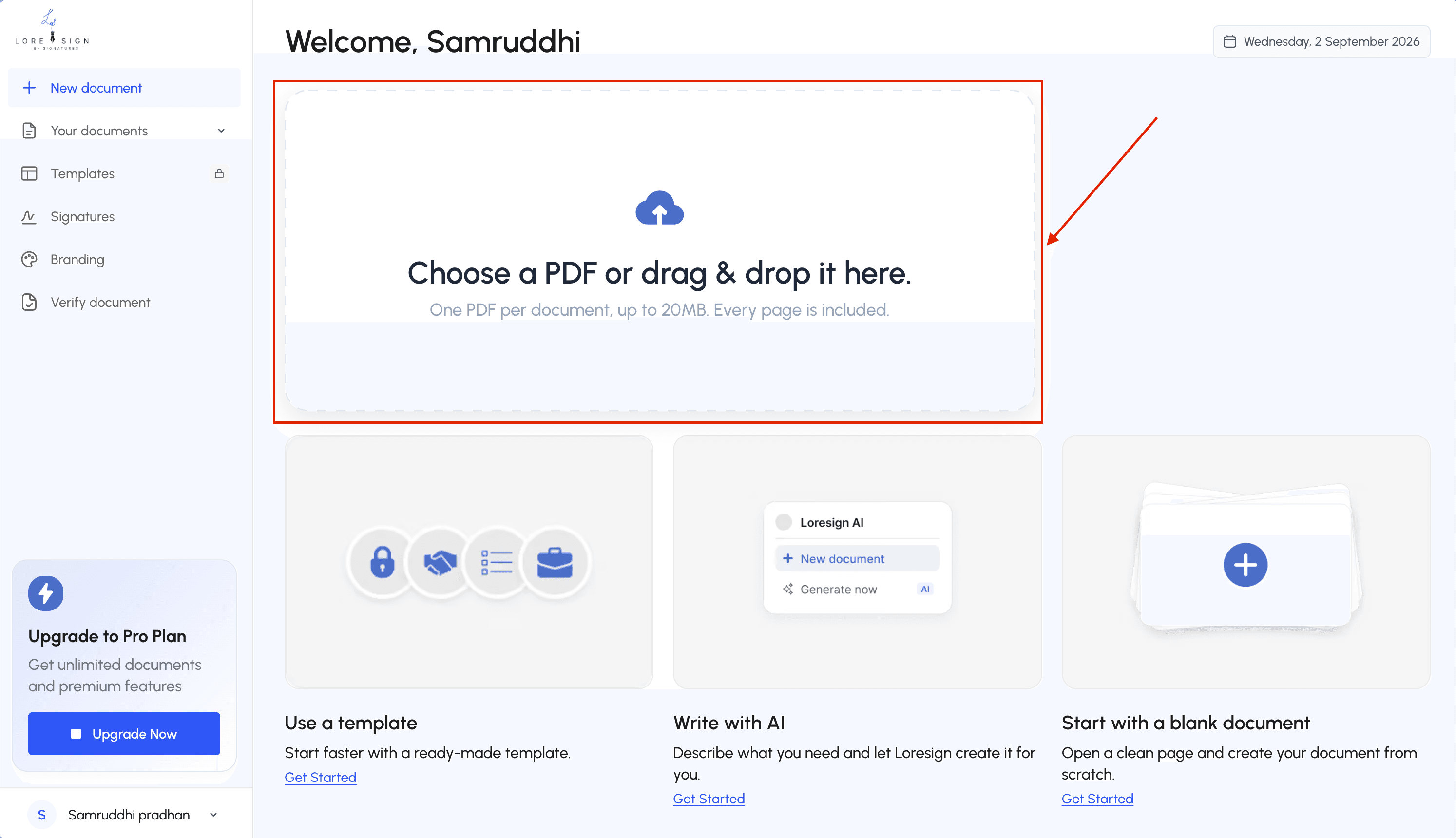
Step 3: Add signature fields and assign signers
Select the document and choose the request signature option. ShareFile opens a preview where you drag signature, initial, date, and text fields onto the page. You'll assign each field to a specific signer by email address. You can set a signing order if you need signers to act in sequence rather than all at once.
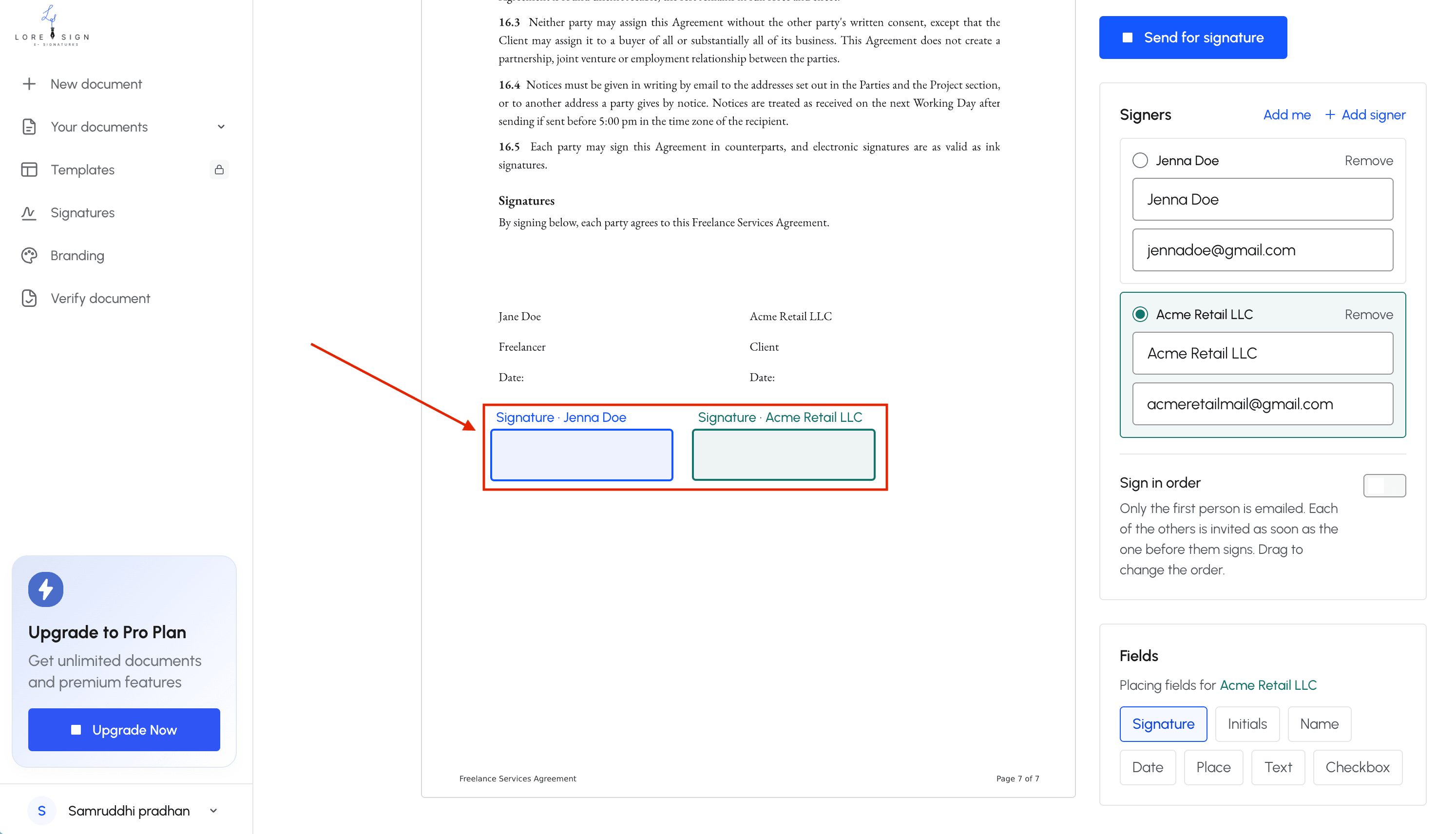
Step 4: Send the signature request
Add a message to your signers, set a deadline if you want one, and hit send. Each signer gets an email with a secure link to open the document. They don't need a ShareFile account to sign.
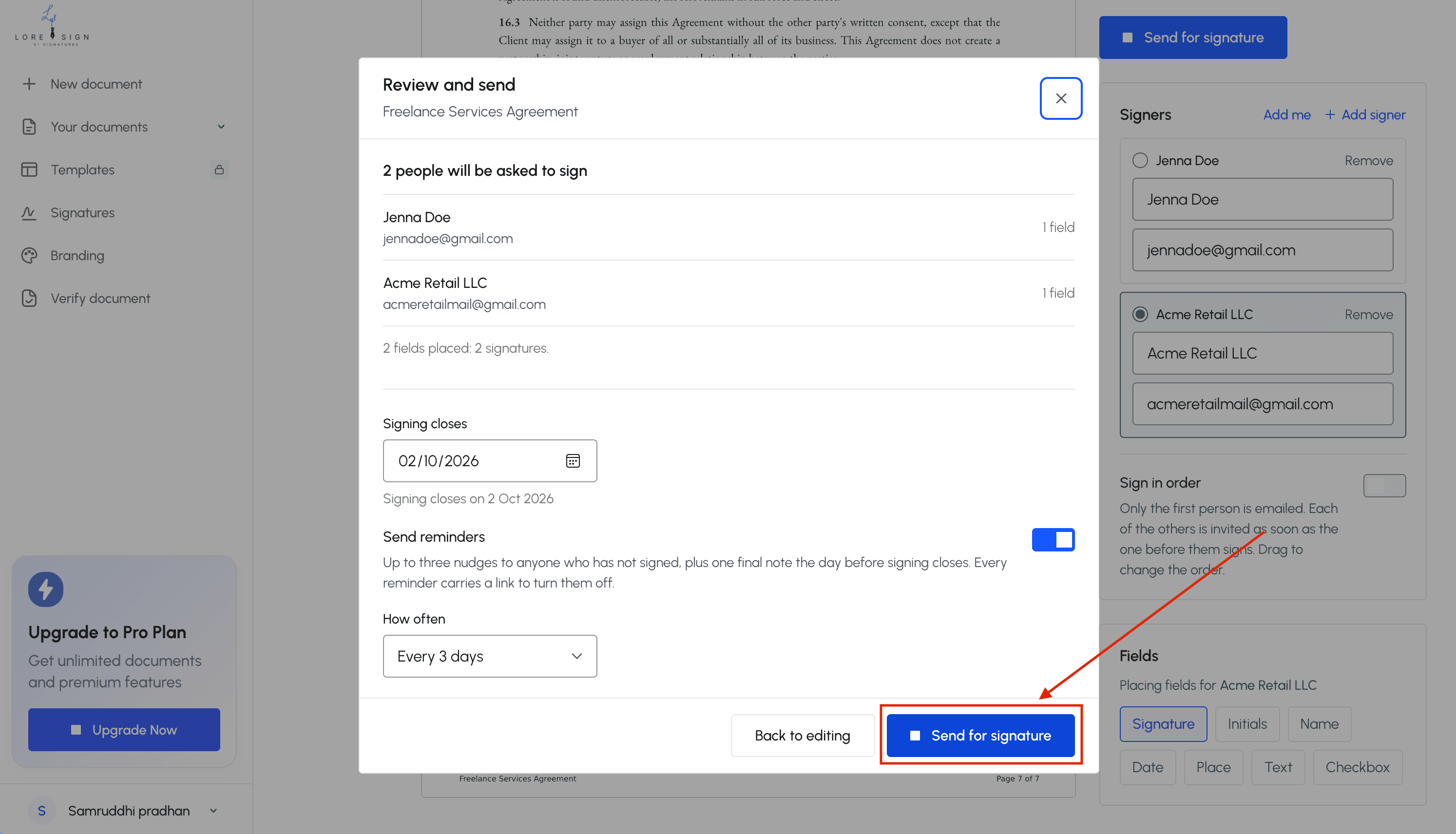
Step 5: Track and receive the signed document
You can see the status of every request from your ShareFile dashboard: sent, viewed, signed, or declined. ShareFile sends automatic reminders to signers who haven't acted. Once everyone has signed, the completed PDF is delivered back to your folder automatically, along with a certificate of completion and audit trail.
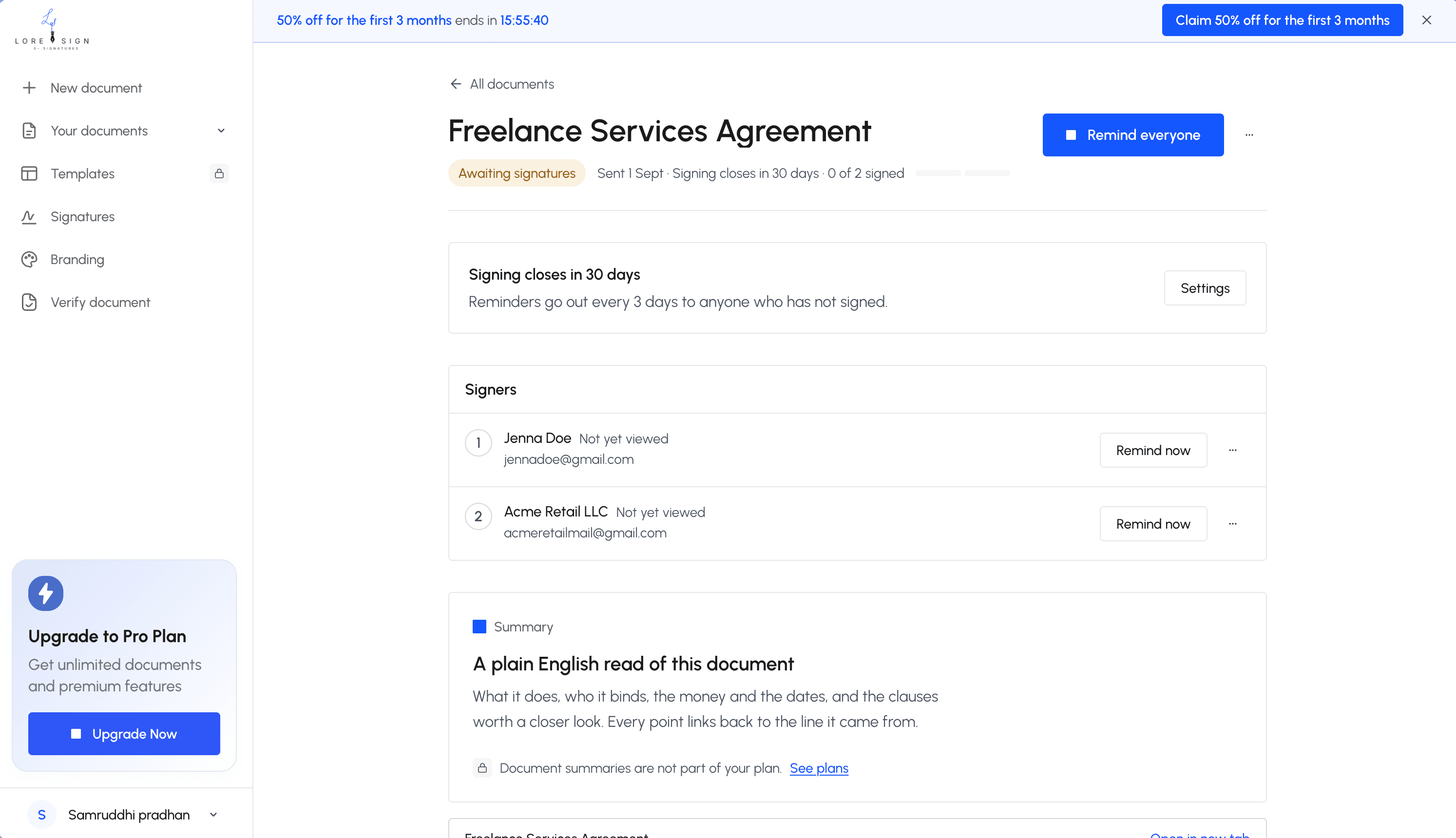
Keep in mind that the exact menu labels vary slightly depending on your ShareFile plan and whether your admin has enabled e-signatures for your account. If you don't see the request signature option, check with your administrator.
Citrix ShareFile E-Signature Pricing: What You'll Actually Pay
ShareFile doesn't publish e-signature pricing. The honest answer is that e-signatures are bundled into ShareFile's document management plans, and those plans require a quote from sales. There's no public price list.
Which ShareFile plans include e-signatures
E-signatures are included in ShareFile's higher-tier plans, not the entry-level file-sharing option. You'll need at least the Standard plan, and the exact tier depends on your user count and whether you want advanced features like custom branding or API access. ShareFile's own site lists plan names but no dollar figures.
What ShareFile doesn't tell you upfront
You can't buy e-signatures alone. You're paying for the full document management suite: cloud storage, file sharing, client portals, and workflow tools. If you only need signatures, you're subsidizing features you'll never open.
Cost comparison: ShareFile vs standalone e-signature tools
Standalone tools like DocuSign start around $10 to $15 per user per month for basic e-signature plans. LoreSign offers flat-rate pricing without per-user fees. ShareFile's total cost, once you add the required document management subscription, typically lands higher for a solo user who just needs signatures. For teams already using ShareFile for storage and client work, the bundled e-signature makes sense. For everyone else, it's overkill.
What Citrix ShareFile E-Signatures Cannot Do
ShareFile's e-signature feature works fine once you're inside the platform. But it's not a standalone product, and that shapes everything about how it behaves. Here's what you'll hit when you try to use it outside the ShareFile ecosystem.
No standalone e-signature plan
You can't buy ShareFile e-signatures on their own. There's no $10-per-month tier that just gets documents signed. E-signatures are a feature inside ShareFile's document management subscription, which means you're paying for cloud storage, client portals, and file-sharing tools whether you use them or not. If your workflow is "send a contract, get it signed, move on," that's a lot of overhead for one task.
Limited mobile experience
The ShareFile mobile app handles basic signing, but the full workflow, setting up signature fields, managing multi-signer routing, tracking document status, is built for desktop. On a phone, you can sign something sent to you. Building and sending a signature request from your phone is clunkier, and some advanced options aren't available in the app at all. If you need to send contracts from your phone regularly, this will slow you down.
Overkill for simple signing needs
ShareFile is a document management platform first. The e-signature feature assumes you're already using ShareFile for storage, sharing, and client work. If you're a solo practitioner or small team that just needs a signed PDF back, you're navigating a full platform to do one thing. A standalone e-signature tool gets you from upload to signed document in fewer steps.
Citrix ShareFile E-Signatures vs. Alternatives: DocuSign, HelloSign, and LoreSign
The right tool depends on what you already use. ShareFile makes sense if you live in its document management platform. If you don't, a standalone e-signature tool gets the job done with less overhead.
ShareFile vs DocuSign
DocuSign is the category leader, and it shows. It has more integrations, more identity verification options, and more admin controls than ShareFile's built-in feature. But you pay for that breadth. DocuSign's pricing starts around $10 per month for a basic plan, with per-envelope limits that push heavy users to higher tiers. ShareFile's e-signature comes bundled with your document management subscription, which is cheaper if you already need ShareFile for storage and client portals. If you only need signatures, DocuSign is still the more direct path.
ShareFile vs HelloSign
HelloSign (now Dropbox Sign) sits closer to ShareFile in simplicity, but it's a standalone tool. You upload a document, place fields, send. No document management platform required. HelloSign's free tier covers three signature requests per month, which works for very light use. ShareFile has no equivalent free tier for e-signatures. The tradeoff: HelloSign's document storage is basic compared to ShareFile's full client portal and file-sharing features.
ShareFile vs LoreSign: when simpler is better
If you only need to get documents signed, LoreSign cuts the platform overhead entirely. Upload any PDF, place the signing fields, and send one secure link. No document management subscription, no client portal setup, no storage tier to manage. You get automated reminders, ordered multi-signer routing, and a certificate of completion with every signed document. ShareFile gives you all that plus a full document management suite. LoreSign gives you the signing part and stops there. For solo practitioners and small teams who don't need cloud storage or client portals, that's the faster path from upload to signed PDF.
Who Should Use Citrix ShareFile E-Signatures?
The honest answer: ShareFile e-signatures make sense for one group of people, and not for another.
Best fit: existing ShareFile users
Accounting firms, legal practices, and client-service businesses already using ShareFile for document management get the most value. You're paying for the platform anyway. Adding e-signatures means one login, one audit trail, and no separate vendor to manage. If your clients already access files through your ShareFile portal, sending a signature request from the same place keeps the workflow intact.
Not ideal: solo practitioners and small teams
If you only need signatures, ShareFile is overkill. You'd be paying for cloud storage, client portals, and file-sharing features you won't use. A standalone tool like LoreSign handles the signing part without the platform overhead: upload a PDF, place fields, send one link. That's the faster path for a solo consultant or a two-person shop that signs a handful of documents each month. Citrix ShareFile e-signatures earn their cost when document management is already part of your day.
Frequently Asked Questions
Is ShareFile no longer Citrix?
Correct. Citrix sold ShareFile to Progress Software in 2024. The product is now branded as ShareFile by Progress, though many people still search for 'Citrix ShareFile' out of habit. The core file-sharing and e-signature features remain, but the company behind them has changed.
How to enable an eSignature?
In ShareFile, e-signatures are typically enabled by default on eligible plans. If you don't see the option, check your plan level or contact your account administrator. For standalone tools like LoreSign, you simply upload a PDF, place the signing fields, and send a secure link—no special enablement required.
What is Citrix RightSignature?
RightSignature is an e-signature product that Citrix acquired and integrated into ShareFile. It powers the e-signature functionality you see inside ShareFile. After the Progress acquisition, RightSignature continues as part of the ShareFile suite, but it is also available as a standalone e-signature solution.
Are digital signature and eSignature the same?
No. An e-signature is any electronic indication of intent to sign, such as a typed name or a drawn signature. A digital signature uses cryptographic certificates to verify authenticity and integrity. ShareFile e-signatures are typically e-signatures, not digital signatures, unless you use a specific digital signature workflow.
Can I use ShareFile e-signatures without a ShareFile subscription?
No. ShareFile e-signatures are part of the ShareFile platform, so you need an active ShareFile account. If you only need e-signatures, a standalone tool like LoreSign may be more cost-effective and simpler to use.
What happens after all signers sign in ShareFile?
Once everyone has signed, ShareFile automatically delivers the completed, signed PDF to you and the other parties. It also provides a certificate of completion and an audit trail for your records.
Does ShareFile offer a free plan for e-signatures?
ShareFile does not offer a free plan for e-signatures; you need a paid subscription. Some standalone tools like LoreSign offer a free tier with limited AI drafting, but e-signature features may require a paid plan. Always check the current pricing on the vendor's website.
About LoreSign
LoreSign helps individuals and businesses create, send, sign, and track documents in one place. You can upload a PDF or create an agreement, add the required signing fields, send it to recipients, and automatically receive the completed document once everyone has signed.